Advanced Tips & Pro Strategies
- Hunt for Vertical Cascades: Prioritize bottom-layer pops that drop matching overhead tiles into pre-existing clusters, generating free chain-reaction clears without expending extra inputs.
- Control the Gravity Shifts: Always visualize how upper blocks will settle before executing a tap. Prevent lopsided weight distributions that leave isolated single-color blocks stranded against outer boundaries.
- Conserve Minimum Input Counts: Treat every tap as a finite resource. Resist the urge to clean up minor color anomalies early if they can later be absorbed into a much larger collapsing cluster.
Controls & Input Guide
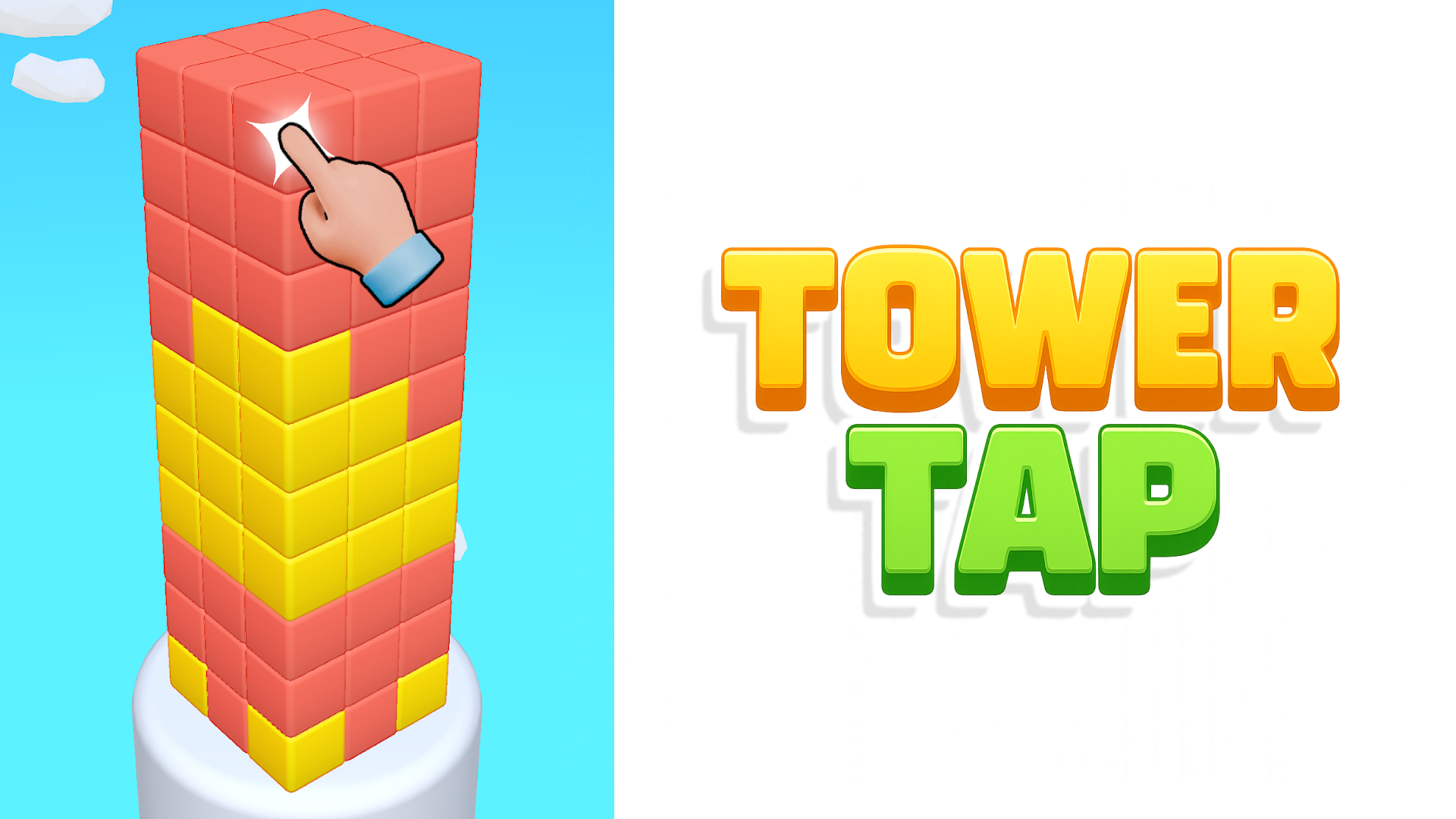
Tower Tap utilizes intuitive point-and-click architecture. Use Mouse Clicks or direct Mobile Touch inputs to select and detonate targeted cube clusters. Secondary keyboard navigation (WASD or Arrow keys) lets you pan the vertical tower view, while the Spacebar executes primary structural interactions and confirms stage progression.
Frequently Asked Questions
How is the final level score calculated?
Your score scales directly based on leftover bonus taps, speed of completion, and the magnitude of any accidental cascade combos triggered during the tower collapse.
What happens if I run out of taps before reaching the chest?
If your input quota depletes while the treasure chest remains suspended above the bottom floor, the level fails, forcing a tactical restart to rethink your color-popping sequence.
Can you play Tower Tap unblocked on mobile and Chromebook?
Yes! Tower Tap runs directly in any modern web browser via lightweight WebGL/HTML5, offering smooth 60 FPS gameplay on school Chromebooks, desktop PCs, iPads, and mobile phones with zero downloads or plugin requirements.