Advanced Tips & Pro Strategies
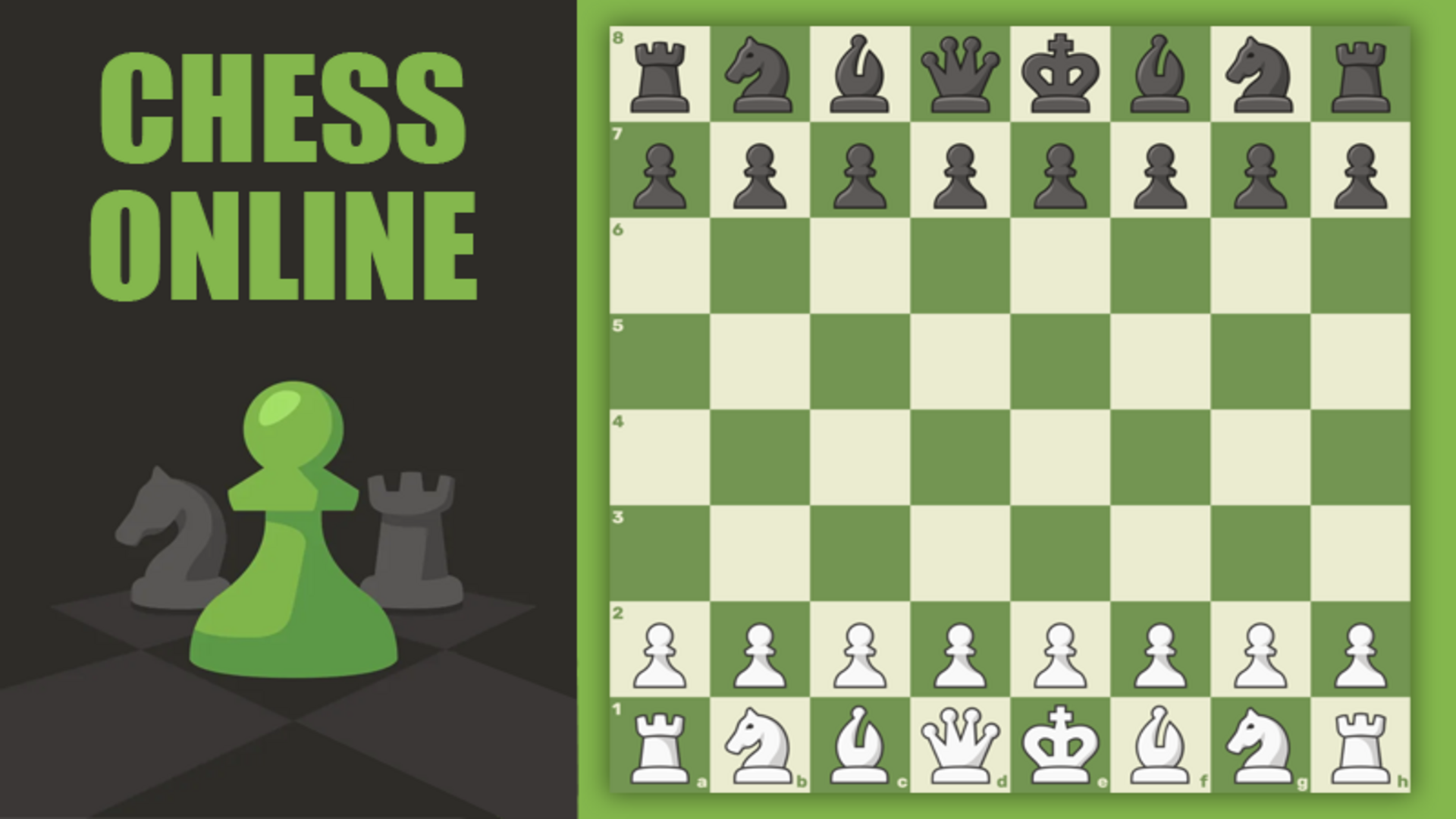
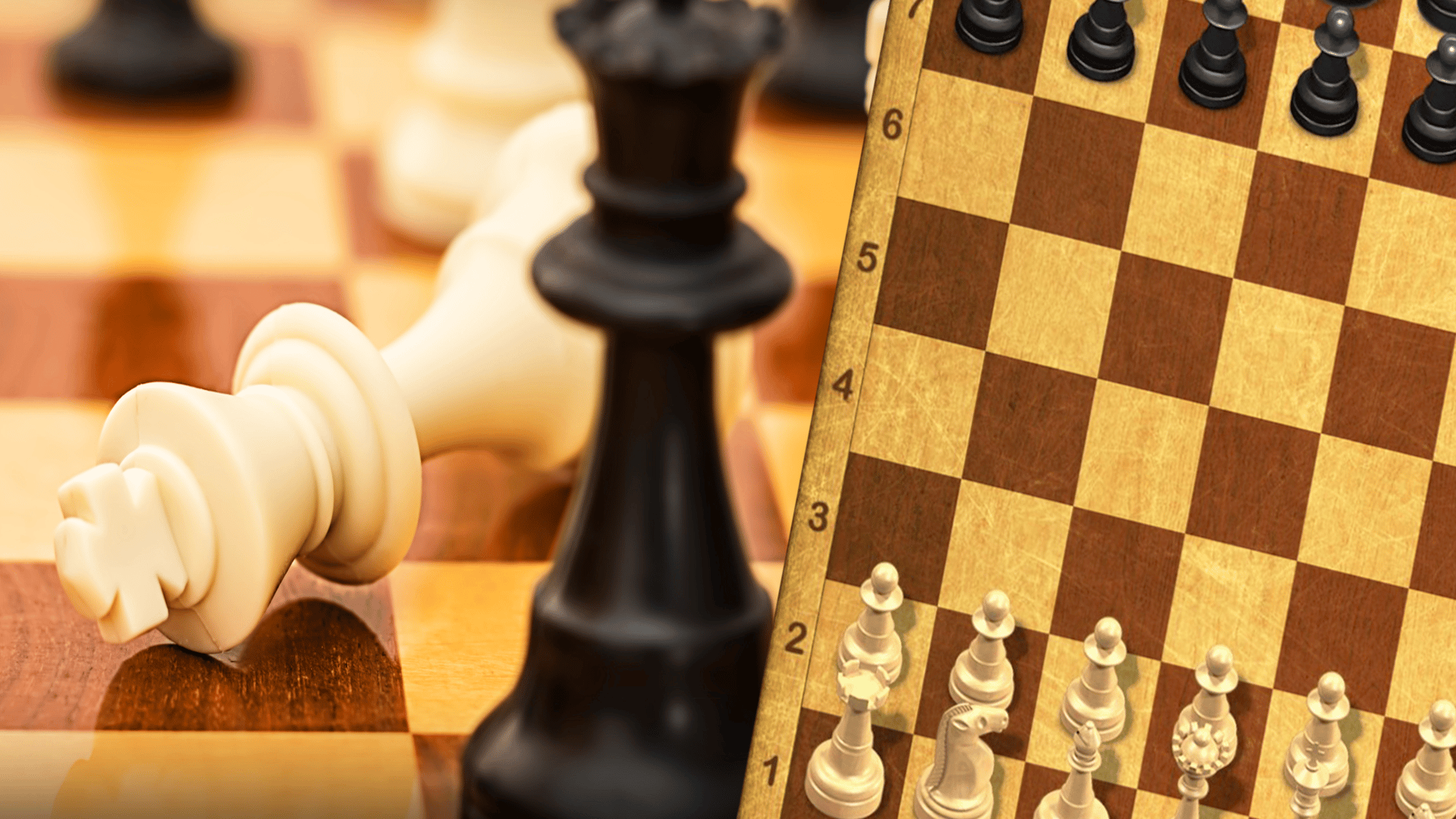
- Control the Center: Prioritize occupying the e4, d4, e5, and d5 squares early. Centralized pawns and minor pieces maximize mobility, restricting your opponent's structural development and opening tactical pathways.
- Master Time Management: In Blitz and Bullet variants, avoid squandering seconds on opening theory. Use the built-in hint system during practice modes to internalize optimal piece development speeds.
- Analyze Every Blunder: Utilize the post-match analysis board to review missed forks, pins, and discovered checks. Learning from faulty coordinate calculations prevents repeated tactical oversights.
Controls & Input Guide
Interaction is streamlined for complete mouse and touchscreen compatibility. Click and hold any piece to drag it to a destination square, or click once to select and click again to execute moves. Keyboard shortcuts utilize WASD and Arrow keys for supplementary board navigation.
Frequently Asked Questions
How do I adjust the AI difficulty level?
Before starting a single-player match against the computer, select from the 21 available tiers ranging from novice beginner up to grandmaster world champion AI profiles.
Can I undo mistakes during a match?
Yes, casual and practice matches feature a move-cancellation mechanic allowing you to retract erroneous piece placements and recalculate your strategy.
Can you play Chess Online Multiplayer unblocked on mobile and Chromebook?
Yes! Chess Online Multiplayer runs directly in any modern web browser via lightweight WebGL/HTML5, offering smooth 60 FPS gameplay on school Chromebooks, desktop PCs, iPads, and mobile phones with zero downloads or plugin requirements.