Advanced Tips & Pro Strategies
- Audit the Entire Grid First: Before dragging your first asset, scan the entire stage layout to identify static anchors and anchor points that dictate where movable items must ultimately rest.
- Leverage Color and Scale Gradients: Many puzzles sort elements by progressive gradients. Establishing the extreme outer bounds (the darkest shade or largest piece) first creates a rigid framework to fill intermediate slots faster.
- Mind the Layering Order: In multi-layered interactive scenes where peeling or unpacking is required, always strip away foreground clutter before attempting to align background geometry to avoid frustrating input overlap.
Controls & Input Guide
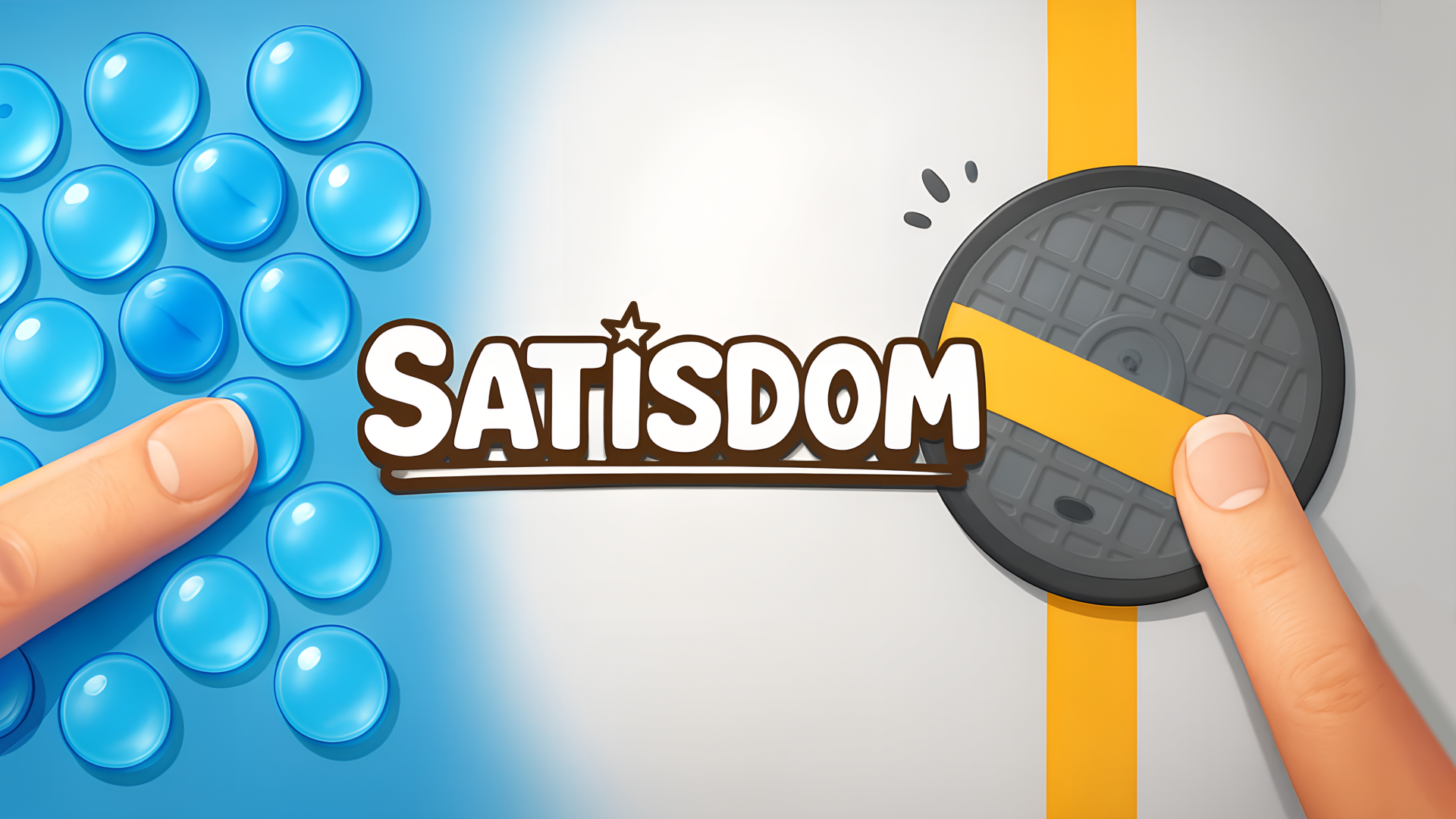
Use the Mouse Left-Click or single-finger Touch to hold, drag, and drop items across the playfield. Hold and drag in a circular motion for rotary alignment puzzles, and use WASD or Arrow Keys if navigating supplementary camera zones.
Frequently Asked Questions
Are there time limits or penalties for failing a puzzle in Satisdom?
No, Satisdom is engineered strictly as a stress-relief experience. There are no countdown timers, score penalties, or game-over states, allowing you to experiment freely.
How do I unlock advanced stages and hidden mini-games?
Progress is tied to completing preceding categorical modules. Successfully finishing themed sorting blocks automatically populates subsequent, more complex organizational sequences.
Can you play Satisdom unblocked on mobile and Chromebook?
Yes! Satisdom runs directly in any modern web browser via lightweight WebGL/HTML5, offering smooth 60 FPS gameplay on school Chromebooks, desktop PCs, iPads, and mobile phones with zero downloads or plugin requirements.