Advanced Tips & Pro Strategies
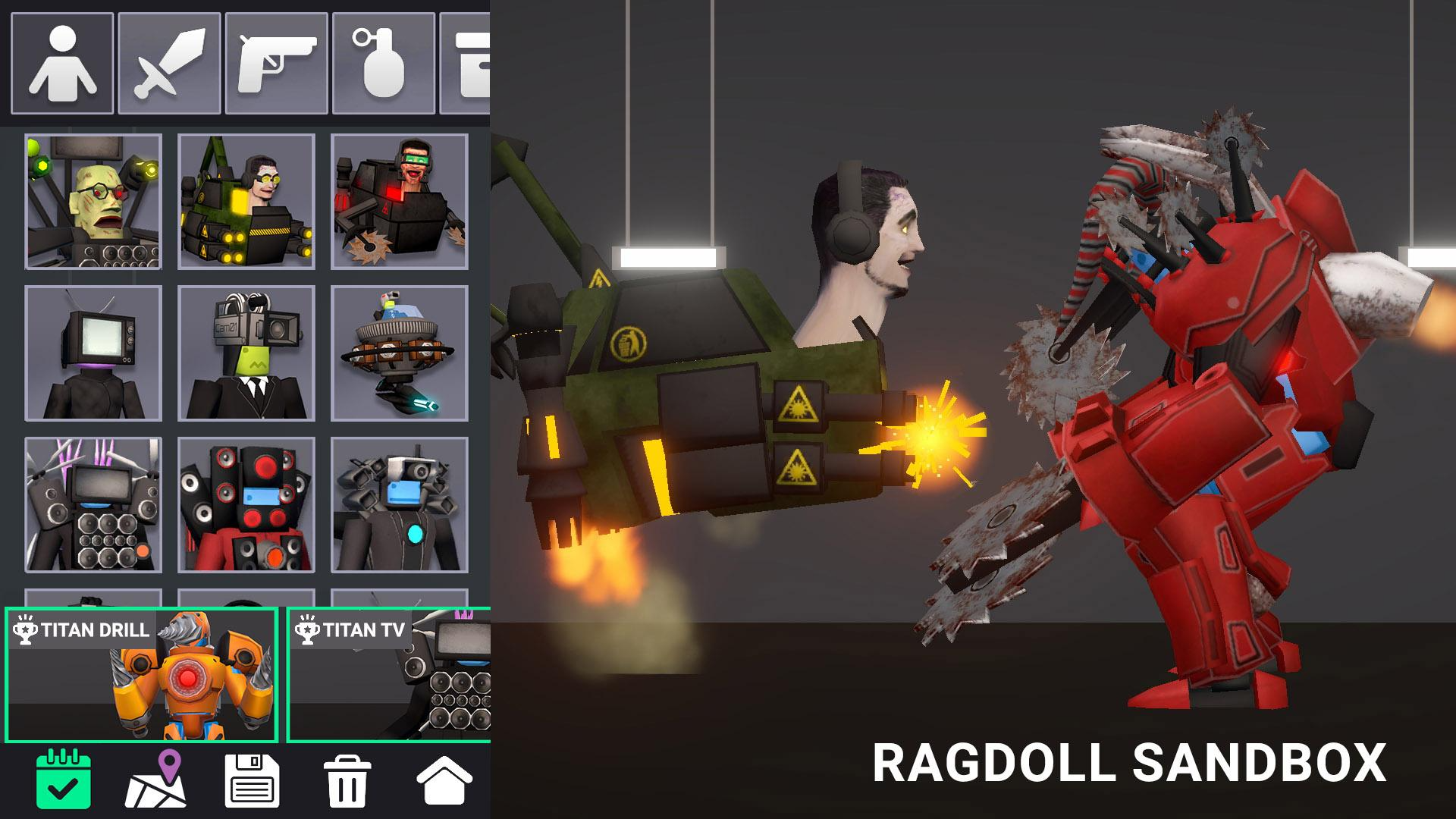
- Leverage Kinetic Momentum: Instead of dropping heavy objects directly onto ragdolls, construct inclined ramps to accelerate barrels and blocks, multiplying impact force exponentially upon collision.
- Anchor Your Heavy Machinery: When building elaborate contraptions or cannons, ensure foundational blocks are pinned or anchored to the environment to prevent recoil from tearing your setup apart.
- Chain Reaction Timing: Utilize delay-based obstacles like swinging pendulums and conveyor belts to create synchronized multi-stage hazards that maximize ongoing ragdoll trauma.
Controls & Input Guide
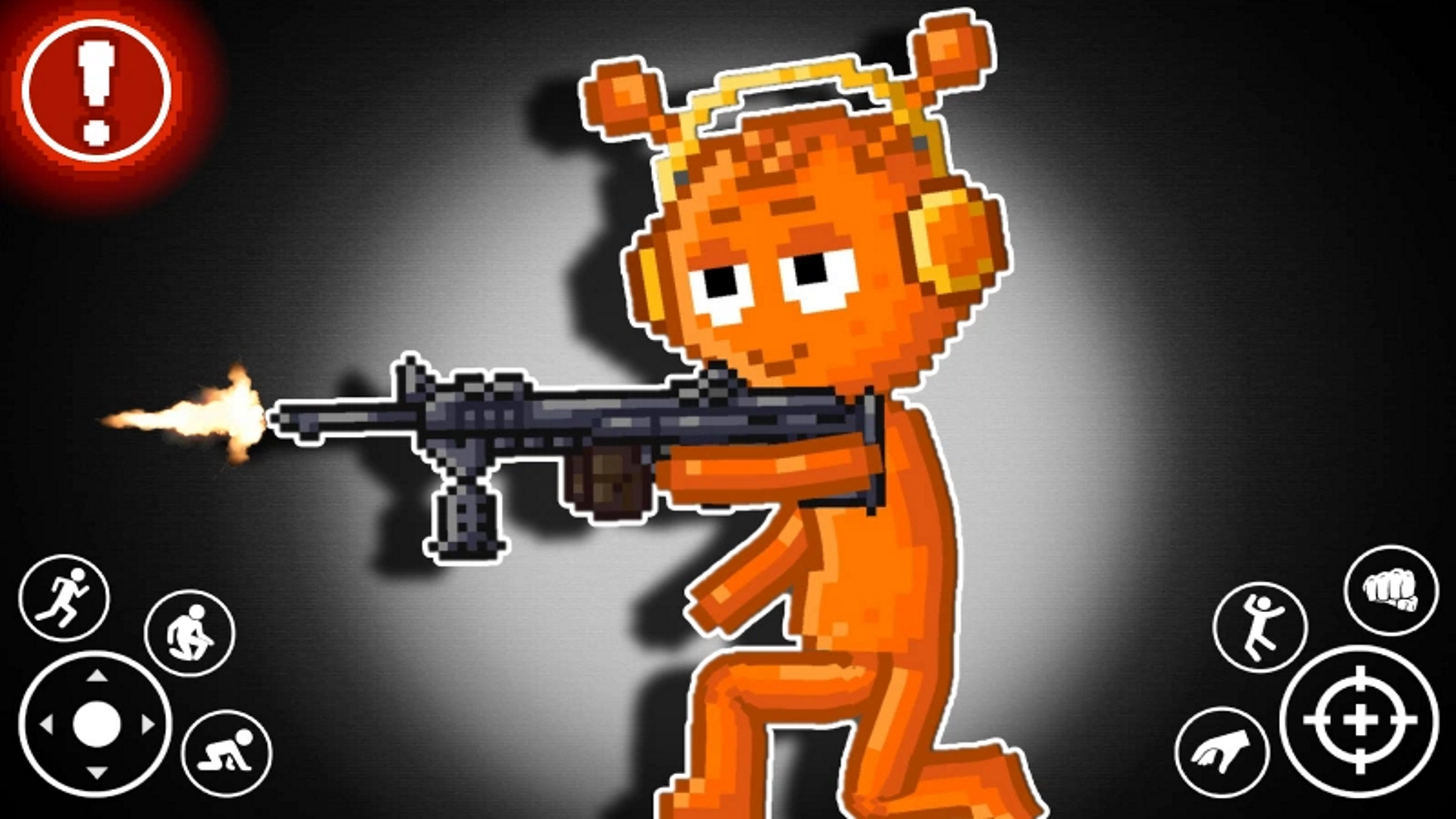
Navigate the sandbox camera and manipulate active entities using WASD or Arrow Keys for movement and positioning. Use Mouse Clicks and the Spacebar to execute primary spawn actions, interact with mechanical UI elements, apply direct impulse forces, and trigger environmental hazards.
Frequently Asked Questions
How do I increase the physics simulation accuracy?
Access the in-game settings menu to adjust tick rates and particle settings, which reduces jitter when spawning multiple interconnected ragdolls simultaneously.
Can I save my custom destruction builds?
Yes, utilize the integrated blueprint and snapshot tools to save complex physical arrangements and reload them across different testing environments.
Can you play Last Play: Ragdoll Sandbox unblocked on mobile and Chromebook?
Yes! Last Play: Ragdoll Sandbox runs directly in any modern web browser via lightweight WebGL/HTML5, offering smooth 60 FPS gameplay on school Chromebooks, desktop PCs, iPads, and mobile phones with zero downloads or plugin requirements.