Advanced Tips & Pro Strategies
- Prioritize Client Brief Constraints: Always lock down mandatory room dimensions and color schemes before splashing out on luxury decor items. Client satisfaction formulas heavily weigh core structural requirements over cosmetic flair.
- Optimize First-Person Traffic Flow: Before finishing a build, switch to the 1P walk mode to test navigation paths. Ensure doorways, staircases, and open-plan kitchen layouts maintain generous collision clearance to prevent frustrating pathfinding snags.
- Leverage Daily Challenge Grinds: Tackle the special daily contract as soon as you log in. These unique architectural briefs offer significantly higher experience multipliers, accelerating your unlock progression for multi-plot real estate.
Controls & Input Guide
Use WASD or the Arrow keys for fluid 3D navigation during the first-person walking inspection mode. Combine Mouse clicks and the Spacebar to interact with UI menus, snap walls onto the blueprint grid, place furniture assets, and rotate decorative elements precisely before final placement.
Frequently Asked Questions
How do I unlock new building plots in Dream Home?
You unlock additional plots by fulfilling client orders, earning experience points, and increasing your overall architect level to expand your real estate portfolio.
Can I inspect my finished houses in first-person view?
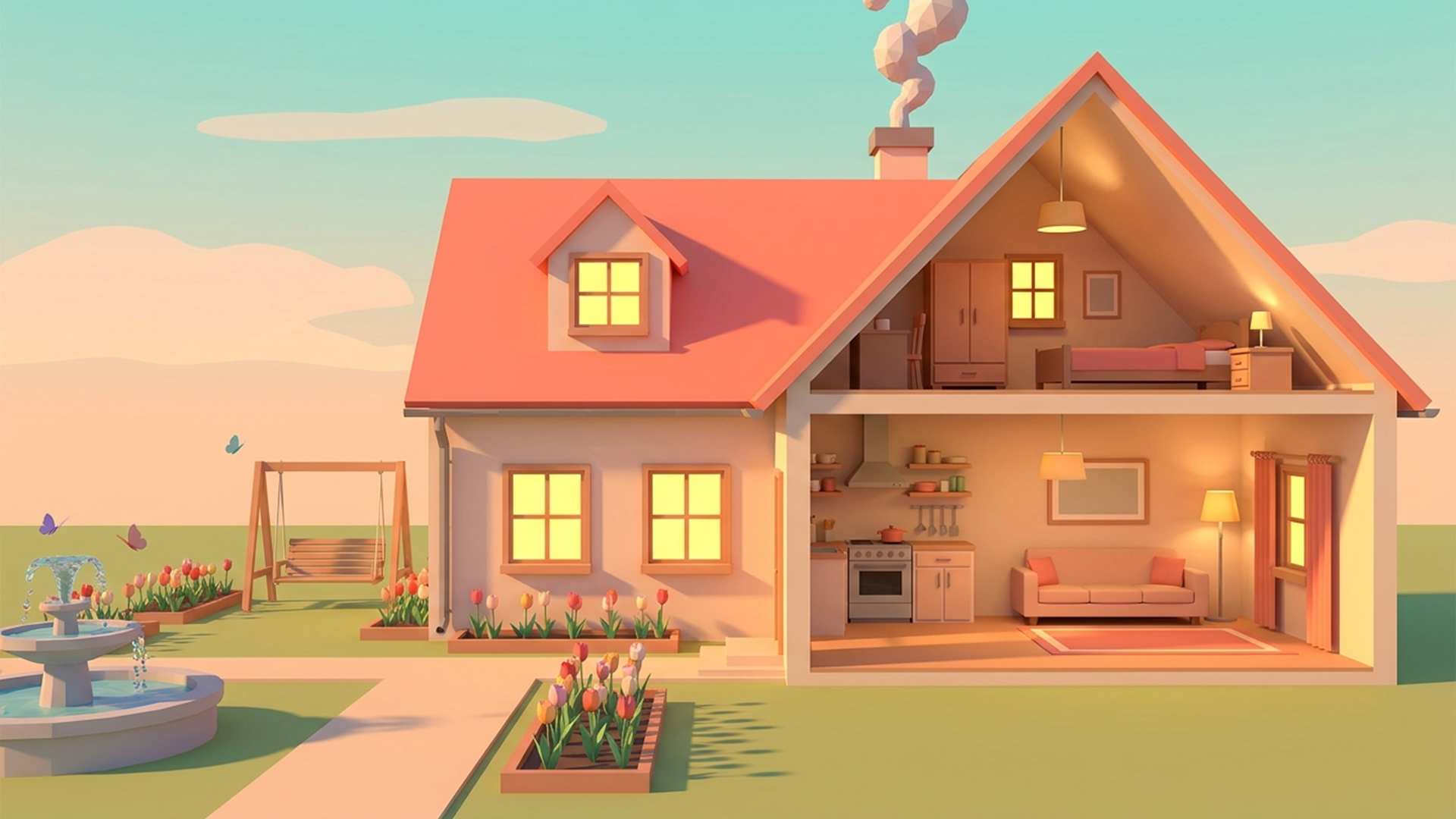
Yes! Once a room or entire house layout is constructed, toggle into first-person walk mode to explore your creation, test the staircases, and view the lighting differences between day and night.
Can you play Dream Home unblocked on mobile and Chromebook?
Yes! Dream Home runs directly in any modern web browser via lightweight WebGL/HTML5, offering smooth 60 FPS gameplay on school Chromebooks, desktop PCs, iPads, and mobile phones with zero downloads or plugin requirements.