Advanced Tips & Pro Strategies
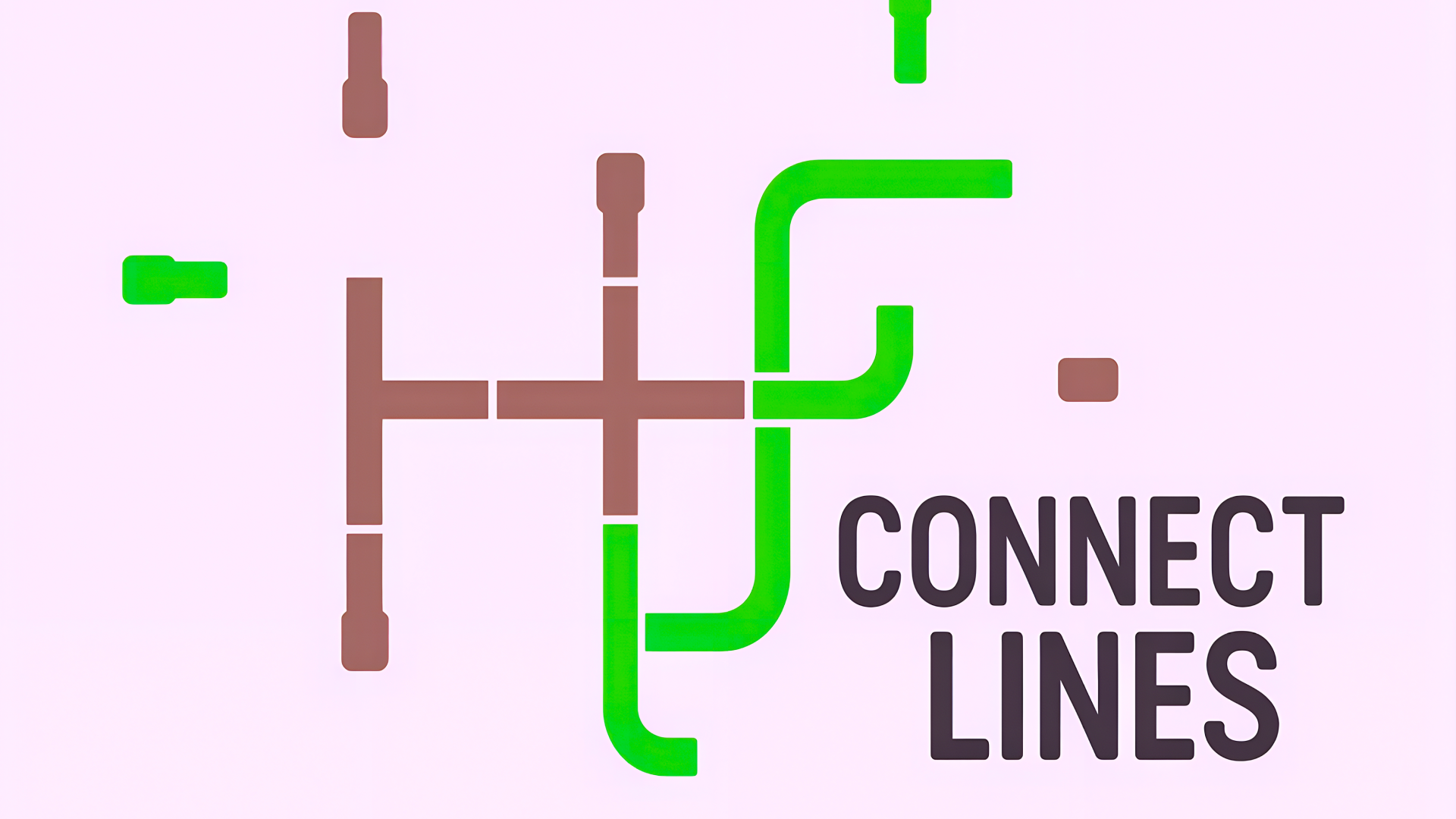
- Isolate Dead Ends First: Start your puzzle resolution by locking down the corners and perimeter tiles. Since edge nodes possess fewer connection possibilities, stabilizing them drastically narrows the viable rotational permutations for the central grid.
- Map Cascade Effects: Before executing a rotation, trace how the input vector flows through adjacent nodes. Avoid myopic focusing on a single target tile; instead, calculate the downstream impact on at least three neighboring junctions to prevent breaking established paths.
- Work Backward from Output Sinks: On complex levels featuring central hubs and multiple receiver nodes, trace the terminal connectors backward. Identifying mandatory exit angles helps reverse-engineer the exact pipeline configuration required for the inner core.
Controls & Input Guide
Connect Line features intuitive dual-input support. Use keyboard directional arrows or WASD keys to fluidly navigate the grid cursor across tiles, pressing the Spacebar to execute a rotation. Alternatively, desktop users can utilize mouse left-clicks for direct node manipulation, while mobile and tablet players can tap touchscreen tiles seamlessly.
Frequently Asked Questions
How are victory conditions calculated in Connect Line?
A level is successfully completed the exact moment all individual line segments merge into one unified, continuous circuit without any dangling endpoints or loops that bypass the primary network.
Does the game penalize players for excessive rotations?
Connect Line prioritizes puzzle completion over strict move counters, allowing you to experiment freely with rotational angles without failing the stage.
Can you play Connect Line unblocked on mobile and Chromebook?
Yes! Connect Line runs directly in any modern web browser via lightweight WebGL/HTML5, offering smooth 60 FPS gameplay on school Chromebooks, desktop PCs, iPads, and mobile phones with zero downloads or plugin requirements.