Advanced Tips & Pro Strategies
- Master the Unit Counter-Cycle: Never deploy identical tanks back-to-back. Analyze the enemy's active composition and field specialized units that exploit specific armor vulnerabilities to break stalemates.
- Control the Resource Economy: Avoid the trap of immediate spamming. Saving energy for coordinated, multi-unit pushes creates overwhelming firepower that easily shreds isolated enemy defenses.
- Exploit Projectile Splash Damage: Position splash-damage artillery behind heavy main battle tanks to decimate packed infantry and light vehicle swarms safely from the rear lines.
Controls & Input Guide
Utilize the mouse to select and deploy armored units from the bottom tactical menu directly onto the active combat lane. Keyboard shortcuts using WASD or arrow keys allow fluid viewport panning across the battlefield, ensuring you maintain situational awareness of both frontlines and enemy reinforcement spawns.
Frequently Asked Questions
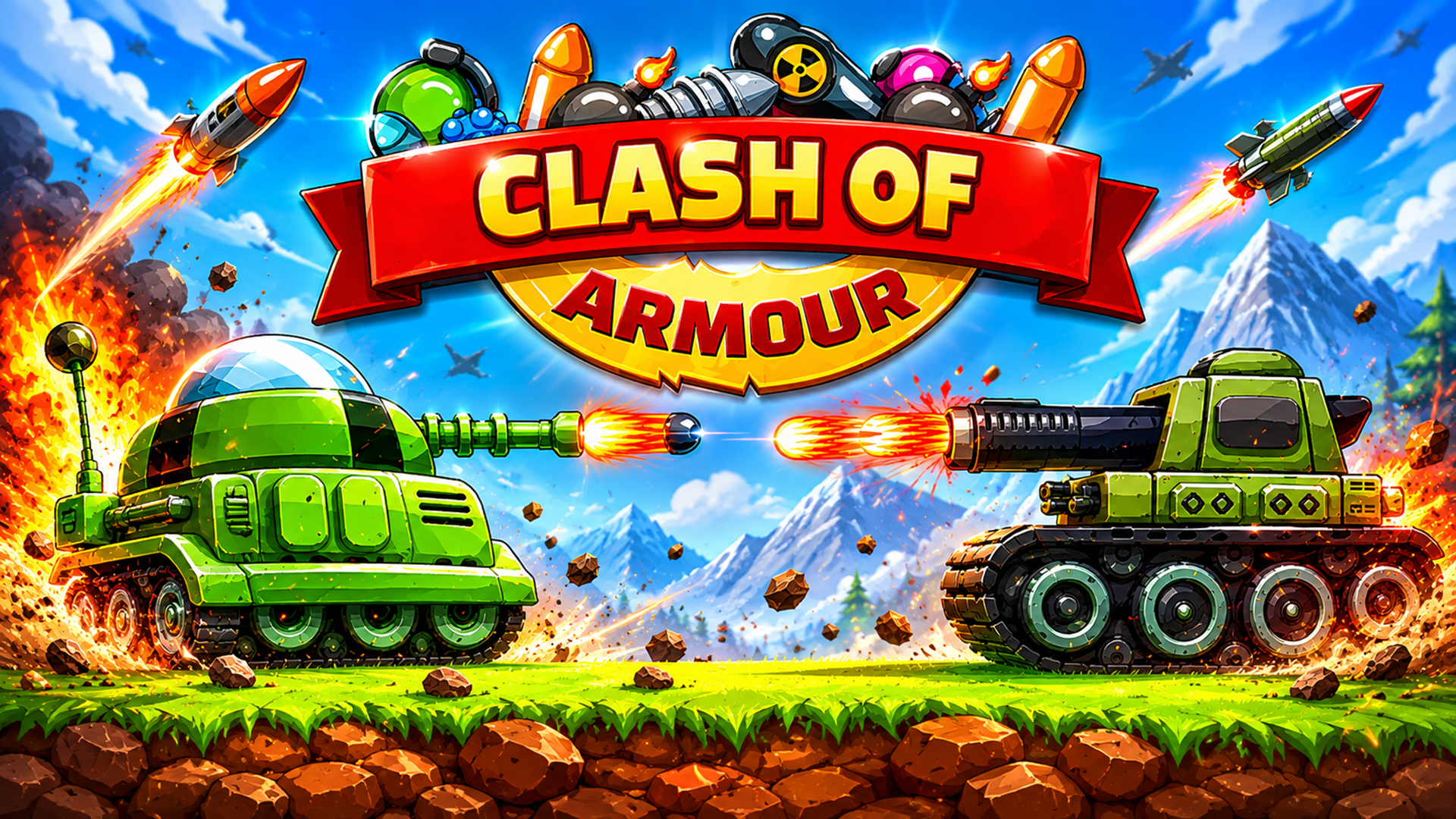
How do I unlock heavier tanks in Clash of Armour?
Heavier units unlock automatically as your match energy generation scales upward over time, allowing you to field devastating armored command vehicles during late-game pushes.
What is the best counter to enemy artillery spam?
Deploy fast, high-mobility scout tanks that can bypass frontline screens quickly and close the distance before heavy artillery can lock onto their trajectories.
Can you play Clash of Armour unblocked on mobile and Chromebook?
Yes! Clash of Armour runs directly in any modern web browser via lightweight WebGL/HTML5, offering smooth 60 FPS gameplay on school Chromebooks, desktop PCs, iPads, and mobile phones with zero downloads or plugin requirements.