Advanced Tips & Pro Strategies
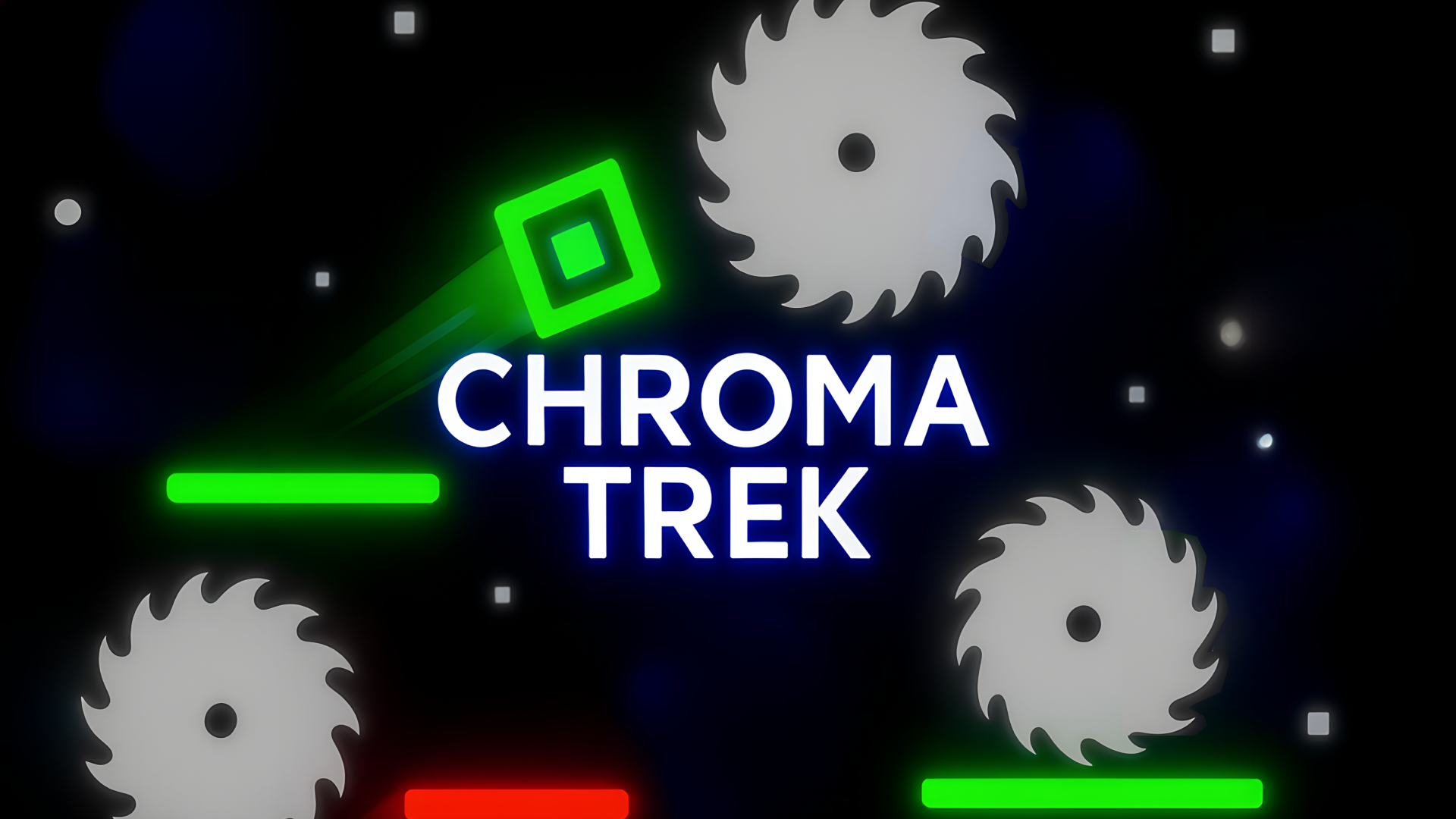
- Pre-Shift Before Jumping: Change your color hue while grounded before taking flight to eliminate costly input lag during frantic mid-air crossings.
- Map the Hazard Phasing: Study the oscillation frequencies of multi-color barrier grids rather than reacting blindly; rhythm beats raw reflexes in later stages.
- Exploit Coyote Time Wisely: Use the brief grace period granted when stepping off platform edges to secure pixel-perfect trajectory alignments over bottomless gaps.
Controls & Input Guide
Use WASD or the Arrow keys for directional movement and navigation. Tap the Spacebar or left-click to execute jumps, confirm menu selections, and perform critical color-matching actions. Touchscreen mobile players can utilize on-screen virtual d-pads and action buttons configured for instant touch response.
Frequently Asked Questions
How do I pass through alternating colored laser gates without dying?
You must match your current chromatic hue to the color of the barrier precisely before your character's hitbox intersects the threshold.
What is the primary objective in each level?
Your objective is to navigate the hazardous layout, collect checkpoint energy, and successfully reach the Finish Crystal at the end of the course.
Can you play Chroma Trek unblocked on mobile and Chromebook?
Yes! Chroma Trek runs directly in any modern web browser via lightweight WebGL/HTML5, offering smooth 60 FPS gameplay on school Chromebooks, desktop PCs, iPads, and mobile phones with zero downloads or plugin requirements.