Advanced Tips & Pro Strategies
- Maintain Grid Whitespace: Never fill your inventory to 100%. Keeping at least two or three empty tiles ensures you can handle random drop spawns without locking your merge chains.
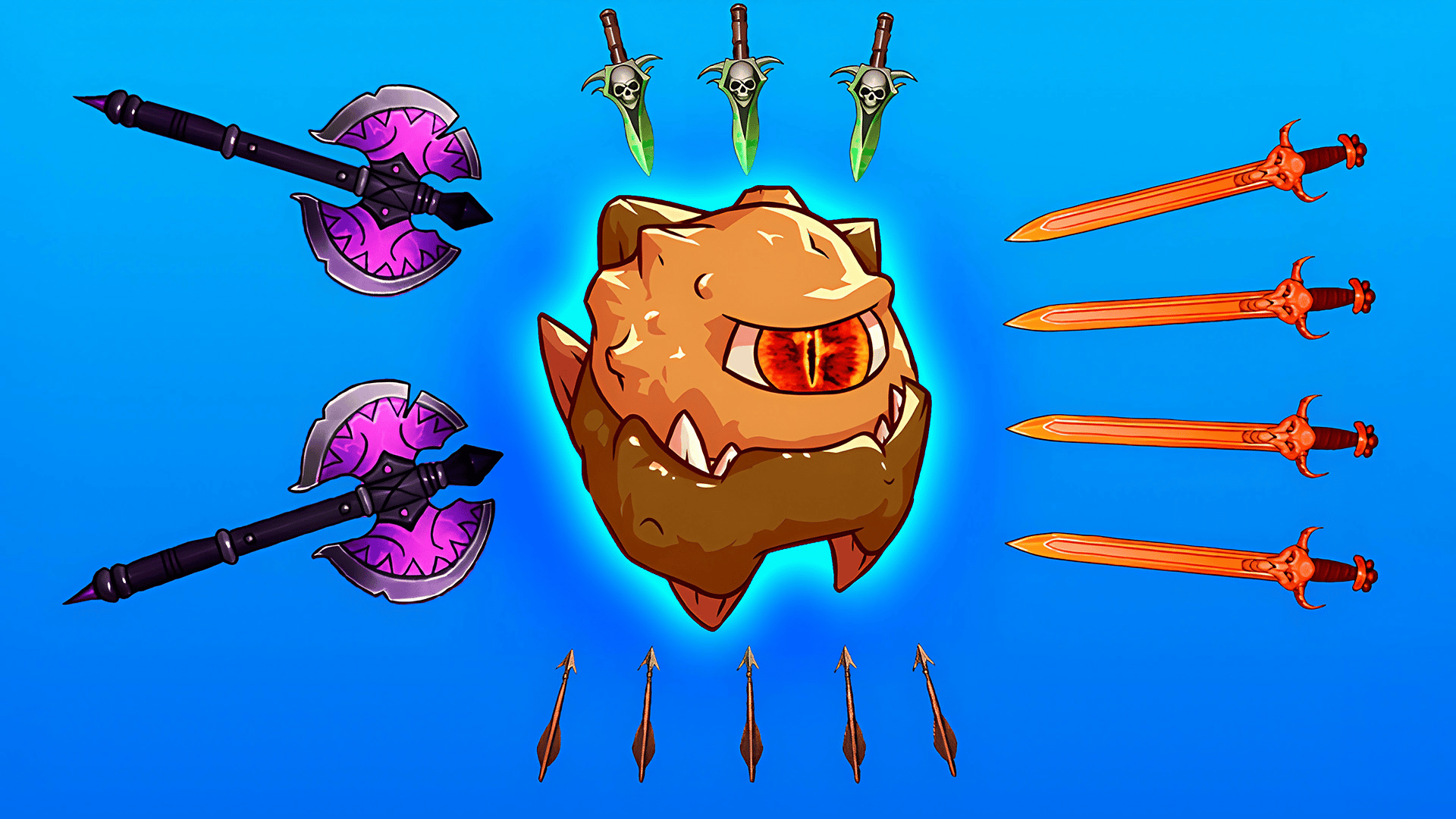
- Prioritize High-Tier Focus: Resist the urge to spread your upgrade funds evenly. Pumping resources into one top-tier weapon yields vastly superior DPS compared to maintaining multiple mid-tier daggers.
- Chain Merge Reactions: Arrange your lower-tier inventory items in sequential rows so that a single drag triggers a cascade of automated multi-merges.
Controls & Input Guide
Interaction is streamlined for accuracy. Use a Left Mouse Click to select, tap, and buy upgrades from the shop interface. Utilize Click & Drag mechanics to physically reposition weapons, merge identical tiles, and manage inventory layout across desktop and touchscreens.
Frequently Asked Questions
How do I unlock higher-tier weapons faster?
Maximize your passive gold generation by keeping your lowest-tier auto-generators leveled up, allowing you to buy continuous basic spawns for rapid fusing.
What happens if my grid fills up completely?
A full grid prevents new weapon drops from entering the board, halting your progression engine until you manually merge or sell redundant items.
Can you play Weaponsmith Evolution - Weapon Merge unblocked on mobile and Chromebook?
Yes! Weaponsmith Evolution - Weapon Merge runs directly in any modern web browser via lightweight WebGL/HTML5, offering smooth 60 FPS gameplay on school Chromebooks, desktop PCs, iPads, and mobile phones with zero downloads or plugin requirements.