Advanced Tips & Pro Strategies
- Scan the Outer Shell First: Always inspect the outermost layer of the structure. Clearance actions almost invariably begin on the periphery before you can expose deeply nested interior blocks.
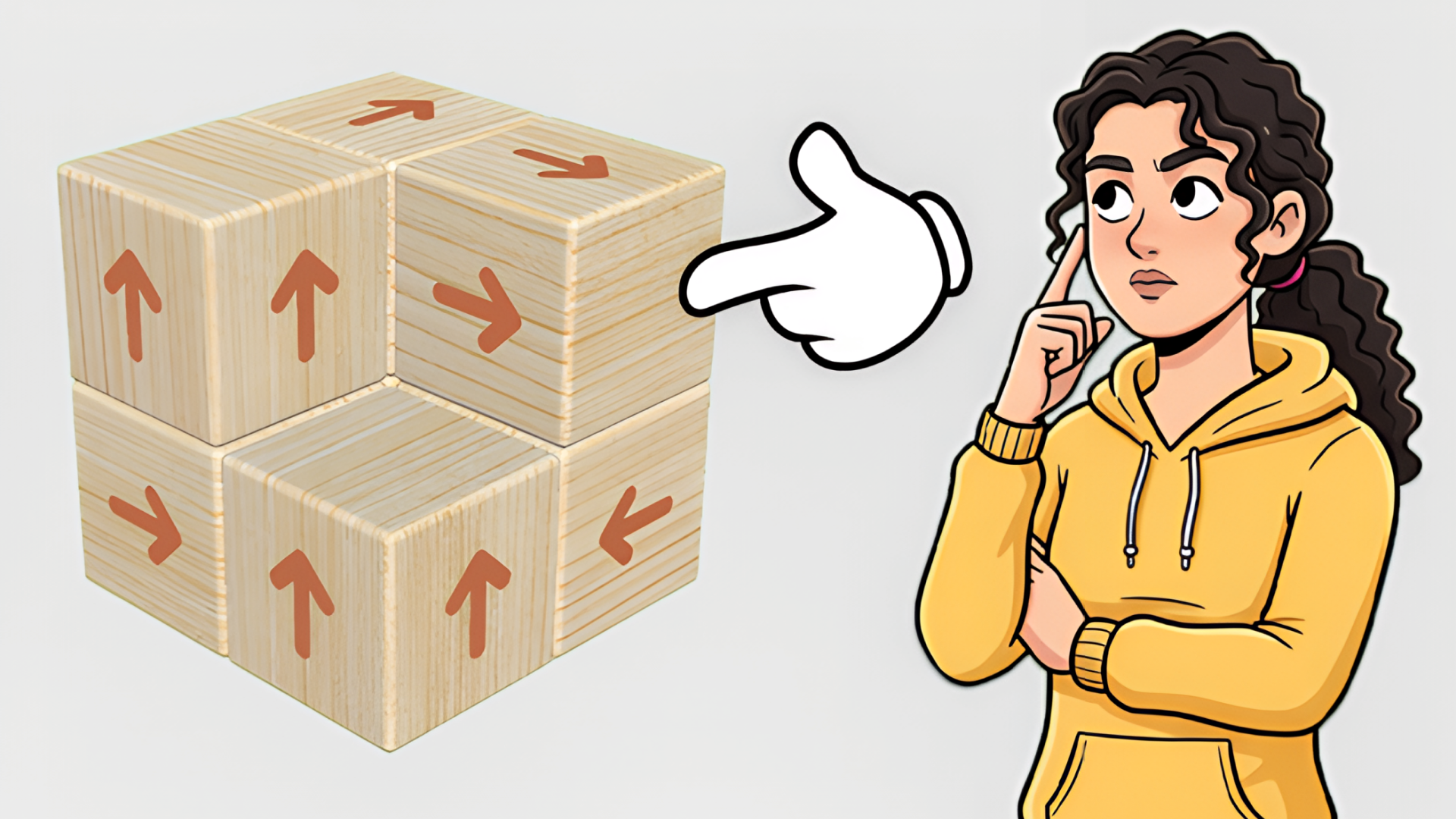
- Track Arrow Vectors: Memorize the predominant exit directions on the grid. If multiple blocks point outward on the same axis, clear them in reverse order of their depth to prevent occlusion.
- Utilize Free-Camera Rotation: Never rely entirely on the default perspective. Drag continuously to inspect corners and hidden underbellies where trapped micro-blocks often hide.
Controls & Input Guide
Interact seamlessly across all devices. Use Left Mouse Click to tap individual blocks and trigger their flight animations. Click and drag anywhere on the background canvas to orbit the 3D puzzle structure smoothly. On touchscreen devices, tap with a single finger to select tiles and drag across the screen to rotate your viewpoint.
Frequently Asked Questions
What happens if I tap a blocked tile?
If an obstacle blocks a tile's directional vector, the block will nudge slightly and emit a warning pulse, remaining locked in position until the path is cleared.
Are there move limits or time restrictions?
No timers or strict move penalties exist, allowing you to study complex spatial configurations at your own pace without performance anxiety.
Can you play Tap Away Block Puzzle 3D unblocked on mobile and Chromebook?
Yes! Tap Away Block Puzzle 3D runs directly in any modern web browser via lightweight WebGL/HTML5, offering smooth 60 FPS gameplay on school Chromebooks, desktop PCs, iPads, and mobile phones with zero downloads or plugin requirements.