Advanced Tips & Pro Strategies
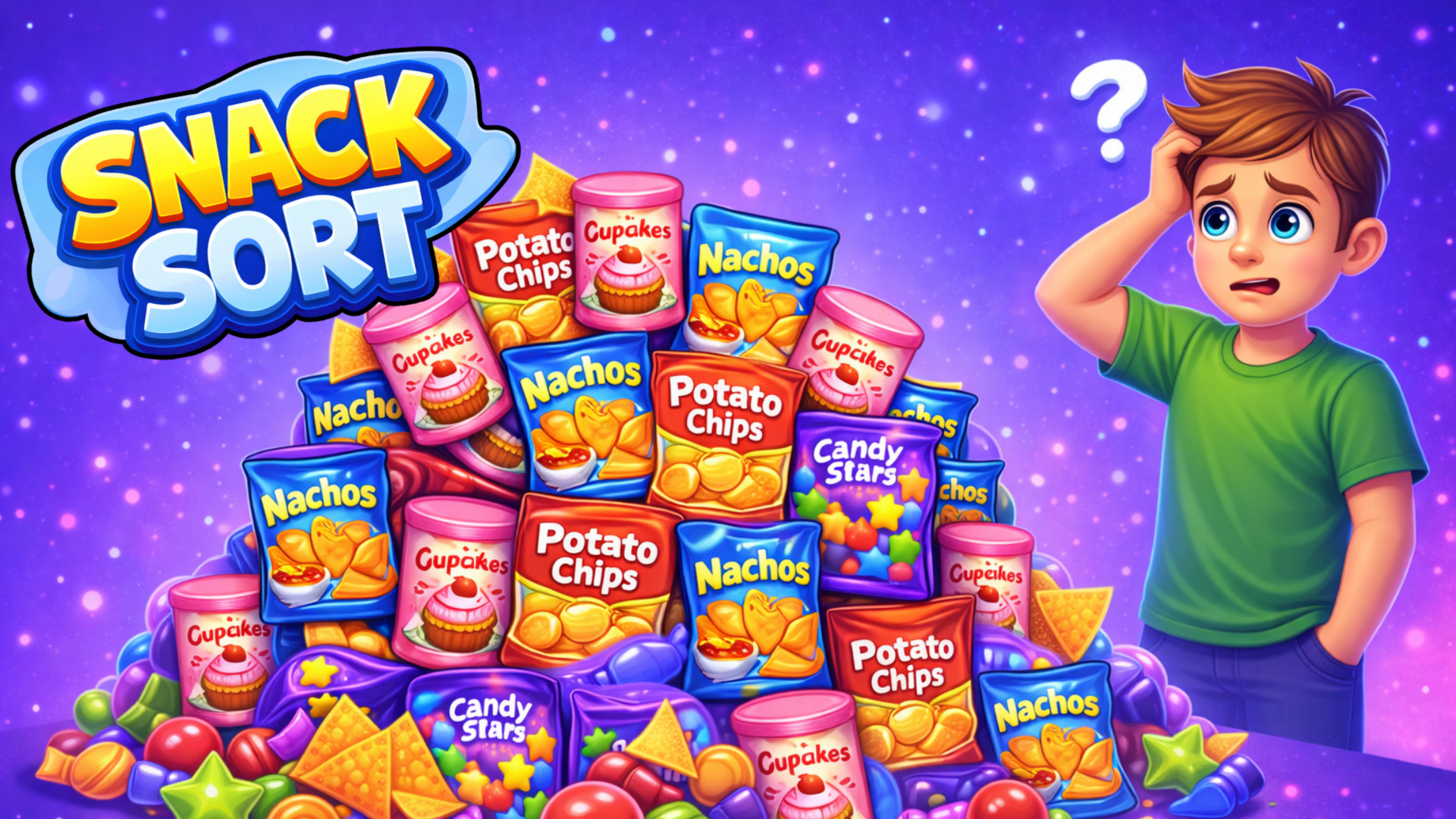
- Isolate the Deepest Bottlenecks First: Focus early moves on unearthing snacks buried beneath heavy column stacks. Clearing these deeply nested items prevents sudden dead ends in the late stages of a puzzle.
- Maintain a Designated Buffer Slot: Always keep at least one shelf partially empty to act as temporary storage. Using an empty column for sorting transit prevents you from trapping high-value snacks beneath incompatible items.
- Read the Full Grid State: Before making your opening click, scan all available shelves to identify color clusters. Planning a three-step move sequence in your head eliminates panic-driven mistakes.
Controls & Input Guide
Snack Sort utilizes a streamlined, pointer-centric input scheme. Use a Left Mouse Click to select, tap, and interact with individual snack tiles. For advanced layouts, use Click & Drag gestures to swiftly move tiles across rows or reposition items into open slots with zero frame delay.
Frequently Asked Questions
How do you beat levels with locked snack shelves?
Locked shelves require clearing specific matching sets adjacent to the barrier triggers. Focus your sorting efforts on matching items that sit directly against the lock mechanisms to free up the grid.
Is there a time limit for completing sorting puzzles?
No, Snack Sort features a completely relaxed, pressure-free ruleset with no ticking timers, allowing you to analyze grid layouts and calculate move paths at your own pace.
Can you play Snack Sort unblocked on mobile and Chromebook?
Yes! Snack Sort runs directly in any modern web browser via lightweight WebGL/HTML5, offering smooth 60 FPS gameplay on school Chromebooks, desktop PCs, iPads, and mobile phones with zero downloads or plugin requirements.