Advanced Tips & Pro Strategies
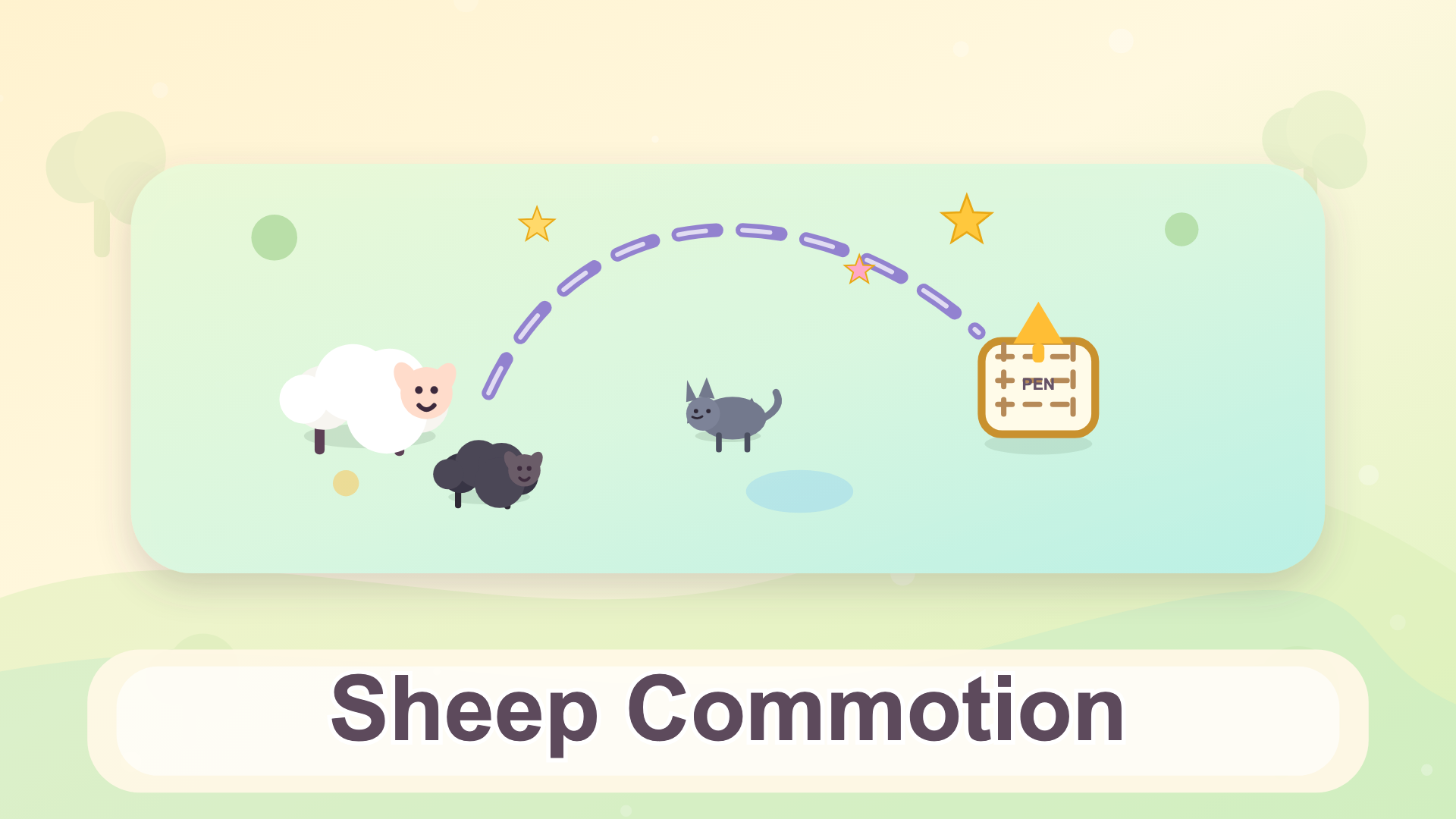
- Isolate Herd Movements: Avoid drawing simultaneous overlapping routes that cause flock bottlenecks; stagger dispatch timings so individual sheep clear tight pinch points sequentially rather than crashing into one another.
- Bait and Shield Tactics: Use stationary environmental barriers like heavy boulders or fence corners to safely redirect erratic wolf pathfinding away from your high-value wool targets.
- Optimize Star Trajectories: Treat bonus stars as secondary vector nodes; loop your drawing strokes directly through collectibles only when doing so does not compromise overall arrival velocity or widen your turning arc dangerously near hazards.
Controls & Input Guide
Sheep commotion utilizes an intuitive mouse and touch-driven input scheme. Left-Click and Drag serves as your primary tool for drawing continuous movement routes across the grid terrain. On touch-enabled hardware, press and drag your finger smoothly across the screen canvas to plot lines, while quick taps handle UI menus, simulation pauses, and level resets.
Frequently Asked Questions
How do I restart a failed puzzle layout quickly?
Tap the prominent reset icon located in the upper screen HUD to instantly wipe all active vector lines and reposition the herd back to their initial spawn tiles.
Are all sheep types controlled by the same AI rules?
No, later stages introduce varied sheep behaviors featuring distinct movement speeds, panic responses to predators, and unique weight classes that alter how tightly they hug drawn path corners.
Can you play Sheep commotion unblocked on mobile and Chromebook?
Yes! Sheep commotion runs directly in any modern web browser via lightweight WebGL/HTML5, offering smooth 60 FPS gameplay on school Chromebooks, desktop PCs, iPads, and mobile phones with zero downloads or plugin requirements.