Advanced Tips & Pro Strategies
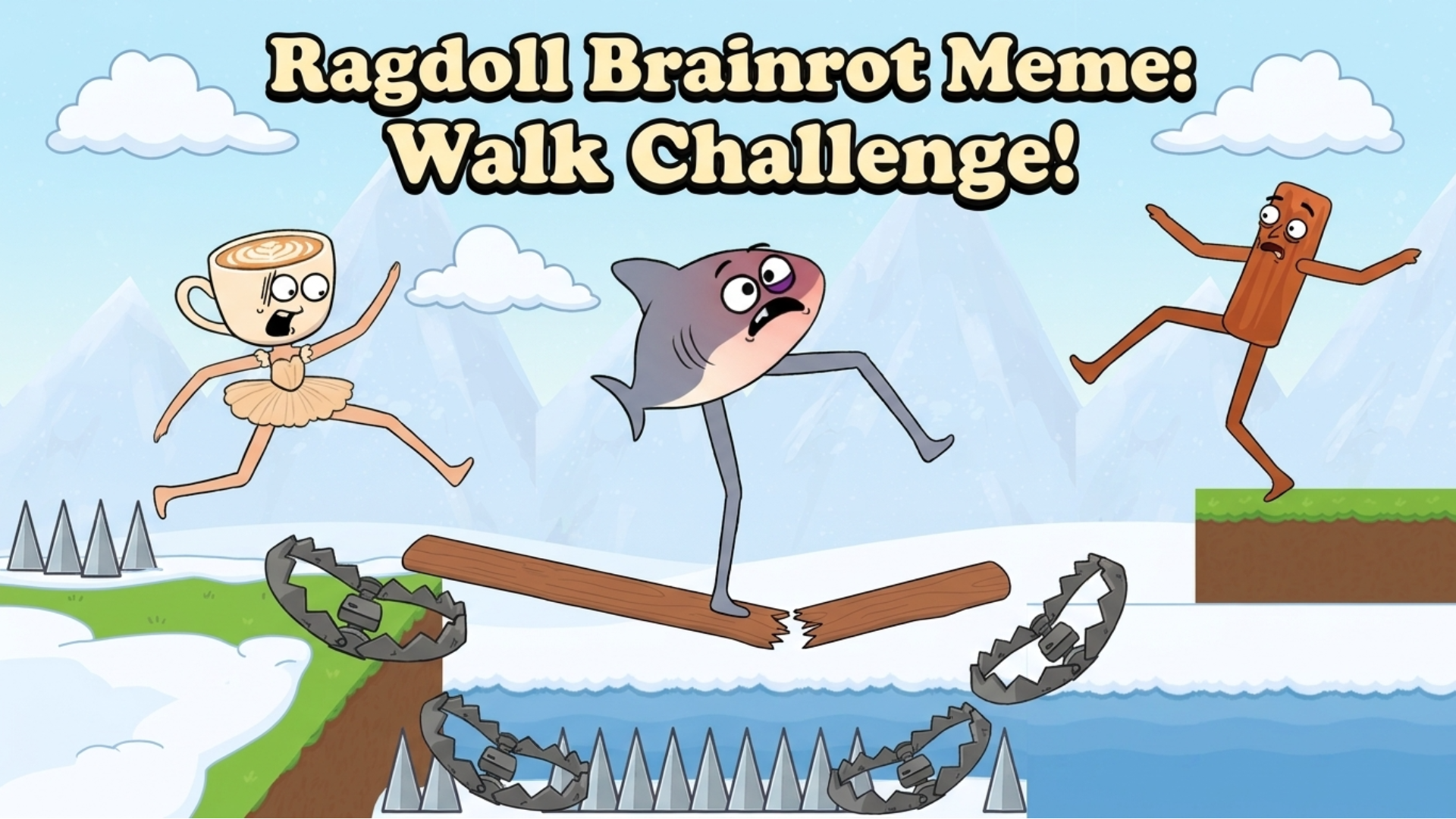
- Anticipate Joint Momentum: Because your avatar features exaggerated long limbs, avoid over-correcting inputs. Allow the natural pendulum swing of the ragdoll physics to carry weight forward before triggering the next interaction.
- Study Level Topology: Before rushing your first step, map out the hazard zones and crash triggers. Understanding the level layout lets you time your mouse drags with the precise tick rate needed to clear tricky gaps.
- Mitigate Risk vs. Speed: Speed runs are tempting, but cautious, calculated step placement drastically reduces the frequency of explosive, run-ending wipeouts on advanced stages.
Controls & Input Guide
Interaction is streamlined for desktop and mobile play. Use Left Mouse Clicks to tap, select, and activate environmental objects. Click and drag mechanics allow you to shift tiles, reposition obstacles, or alter the walking trajectory of your meme icon with seamless responsiveness.
Frequently Asked Questions
How do I stop my character from constantly collapsing?
Focus on stabilizing the torso's center of gravity through measured drags rather than rapid, frantic clicking, allowing the ragdoll joints to settle before moving forward.
Are there unlockable characters in this walk challenge?
Yes! Advancing through increasingly difficult levels rewards you with iconic meme avatars featuring unique limb proportions and humorous animation quirks.
Can you play Ragdoll Brainrot Meme: Walk Challenge! unblocked on mobile and Chromebook?
Yes! Ragdoll Brainrot Meme: Walk Challenge! runs directly in any modern web browser via lightweight WebGL/HTML5, offering smooth 60 FPS gameplay on school Chromebooks, desktop PCs, iPads, and mobile phones with zero downloads or plugin requirements.