Advanced Tips & Pro Strategies
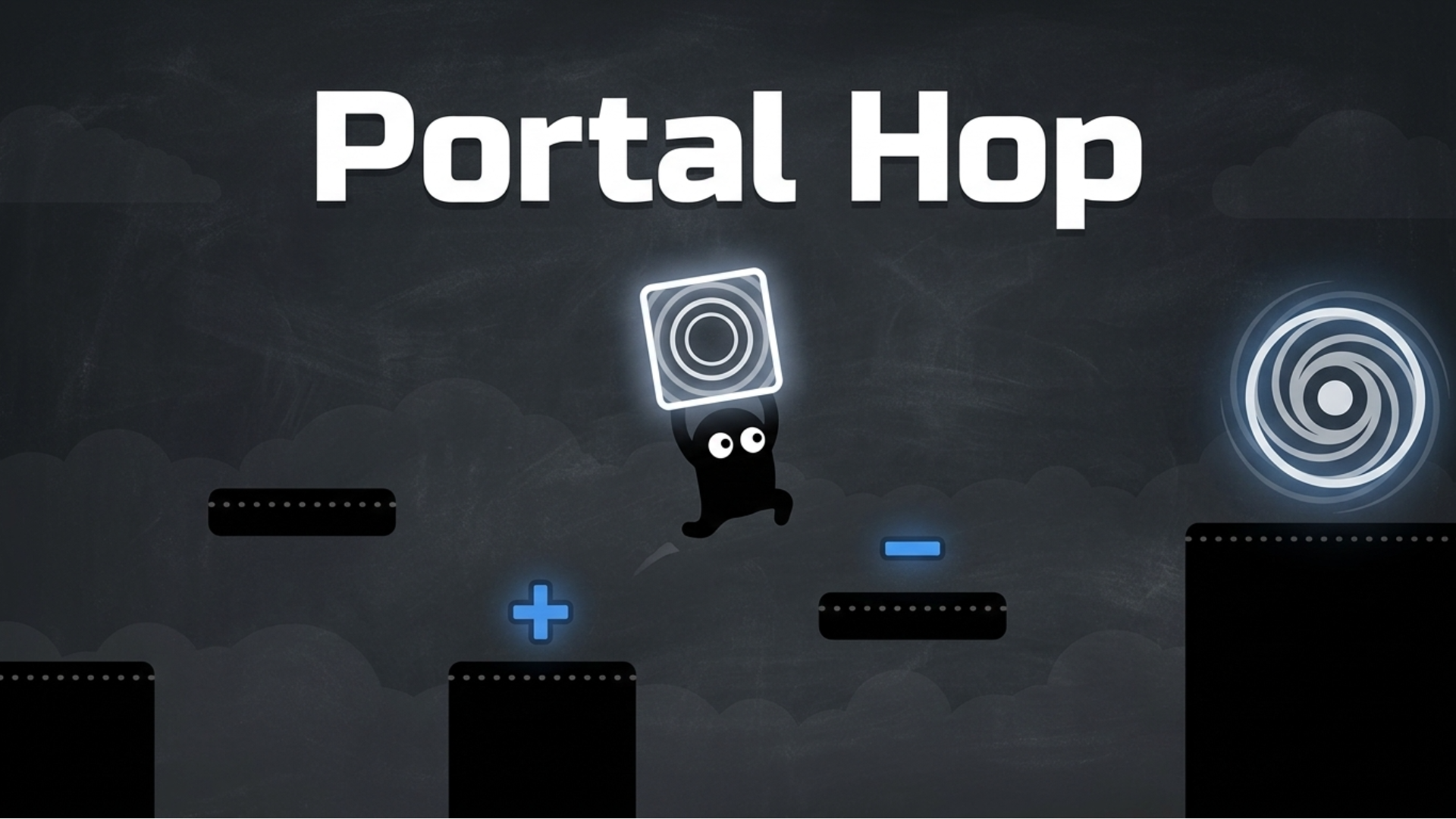
- Inventory Arithmetic: Always audit your upcoming plus and minus math tokens before committing to a jump. Miscalculating a single arithmetic node will permanently trap your avatar in an unreachable quadrant.
- Momentum Preservation: Maintain horizontal movement flow while cycling your portal states. Hesitating mid-air ruins your horizontal frame timing and causes you to miss vital landing zones.
- Reverse-Engineering Trajectories: When facing complex late-game layouts, start from the exit portal destination and trace your necessary elevation states backward to the initial spawn point.
Controls & Input Guide
Portal Hop features accessible, mouse-centric interaction schemes optimized for quick thinking. Use Left Mouse Clicks to select, tap, and interact with objects within the UI. Click and drag mechanics allow you to seamlessly reposition environmental tiles, manage your modifier inventory, and place structural items with pixel-perfect accuracy.
Frequently Asked Questions
How do the plus and minus power-ups affect portal height?
Collecting plus icons incrementally raises your warp destination ceiling relative to your current coordinates, whereas minus icons lower your exit elevation, allowing you to squeeze through restricted subterranean passages.
What happens if I run out of valid moves in Portal Hop?
If you exhaust your modifier options or trap yourself in an unviable architectural loop, you can instantly trigger a quick-restart to reset the stage state and try a fresh tactical approach.
Can you play Portal Hop unblocked on mobile and Chromebook?
Yes! Portal Hop runs directly in any modern web browser via lightweight WebGL/HTML5, offering smooth 60 FPS gameplay on school Chromebooks, desktop PCs, iPads, and mobile phones with zero downloads or plugin requirements.