Advanced Tips & Pro Strategies
- Analyze the Target Mosaic First: Before executing your opening moves, study the final destination pegs to map out the exact gradient path required, preventing bottleneck situations mid-puzzle.
- Clear Peripheral Channels: Prioritize freeing up outer grid tracks early in hard stages to ensure you maintain open swing spaces for deeper, high-value color blocks.
- Manage Intermediate Stacking: Use temporary buffer tiles judiciously to hold surplus colors until matching destination slots open up, avoiding costly undo penalties.
Controls & Input Guide
Interact seamlessly using the Left Mouse Click to select and lift individual tiles, or use Click & Drag motions to swiftly reposition blocks across complex sorting channels. Mobile players can tap and drag with responsive touch gestures for identical fluid manipulation.
Frequently Asked Questions
How are pixel art images unlocked in Pixel Paint Sort?
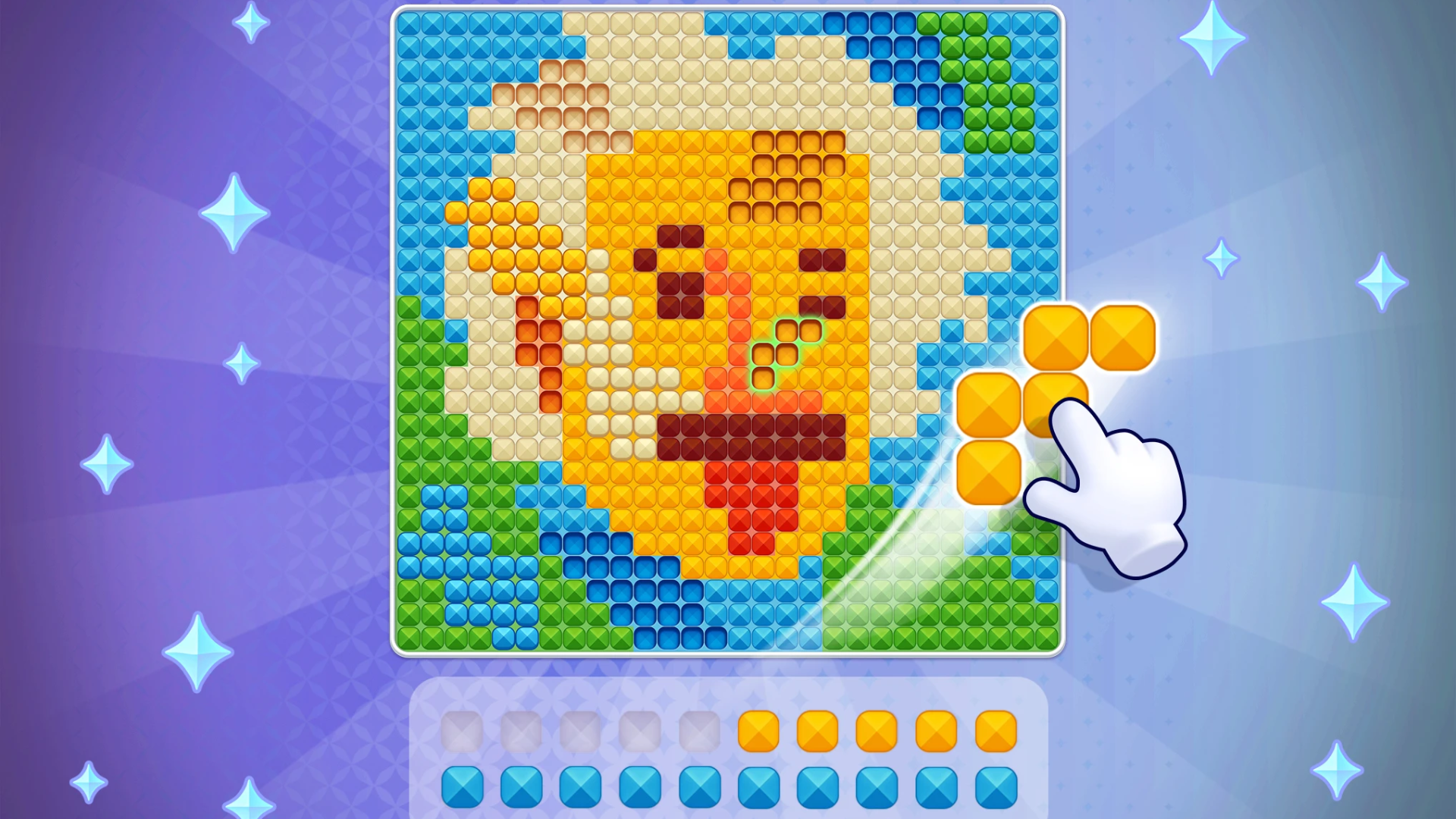
Images gradually populate pixel by pixel as you successfully route matching color tiles onto their designated pegs, completing the canvas upon clearing the final board state.
Are there move limits or countdown timers?
Most puzzles are untimed, allowing you to focus entirely on optimal logic pathways and strategic moves without stress.
Can you play Pixel Paint Sort unblocked on mobile and Chromebook?
Yes! Pixel Paint Sort runs directly in any modern web browser via lightweight WebGL/HTML5, offering smooth 60 FPS gameplay on school Chromebooks, desktop PCs, iPads, and mobile phones with zero downloads or plugin requirements.