Advanced Tips & Pro Strategies
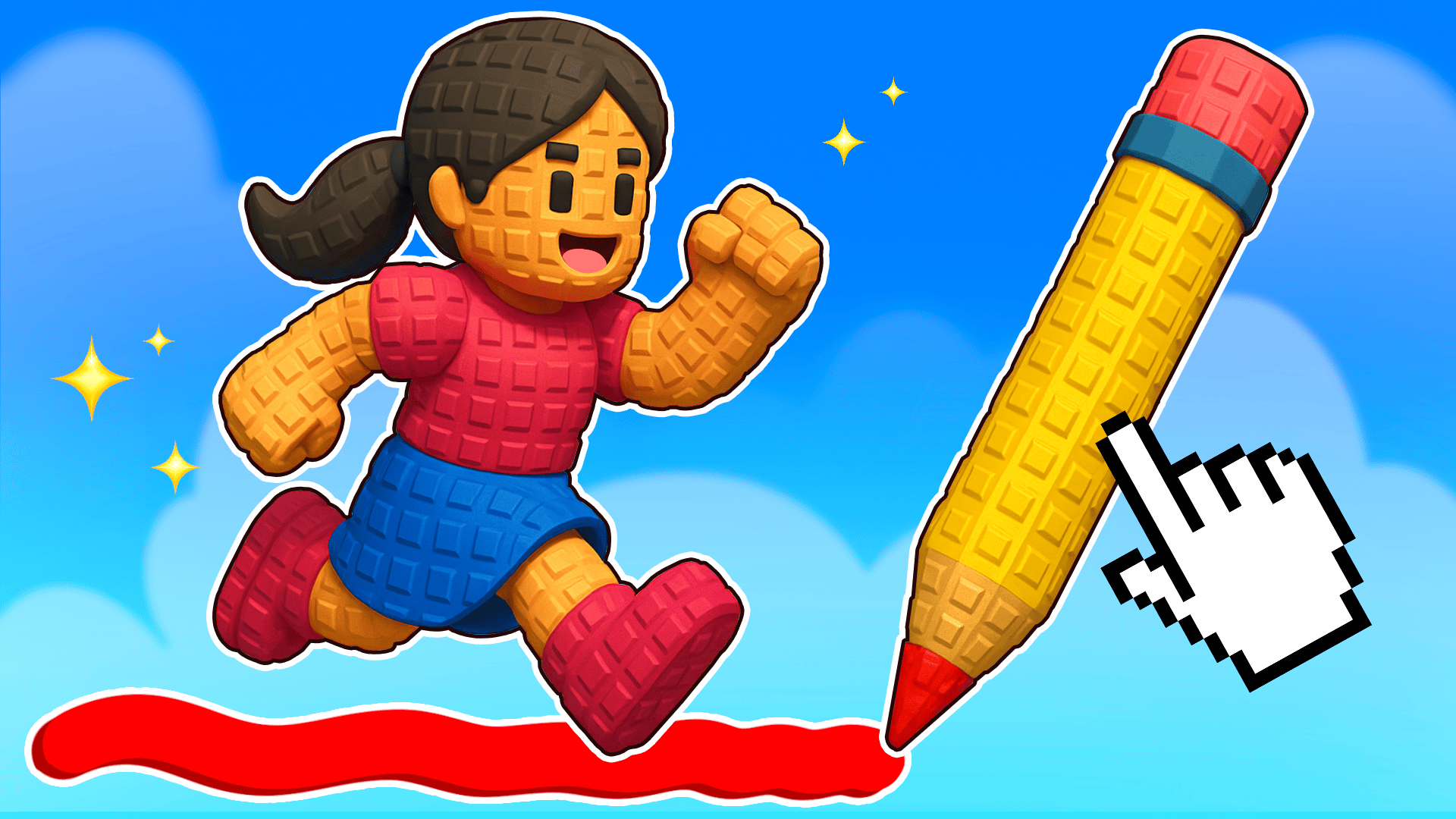
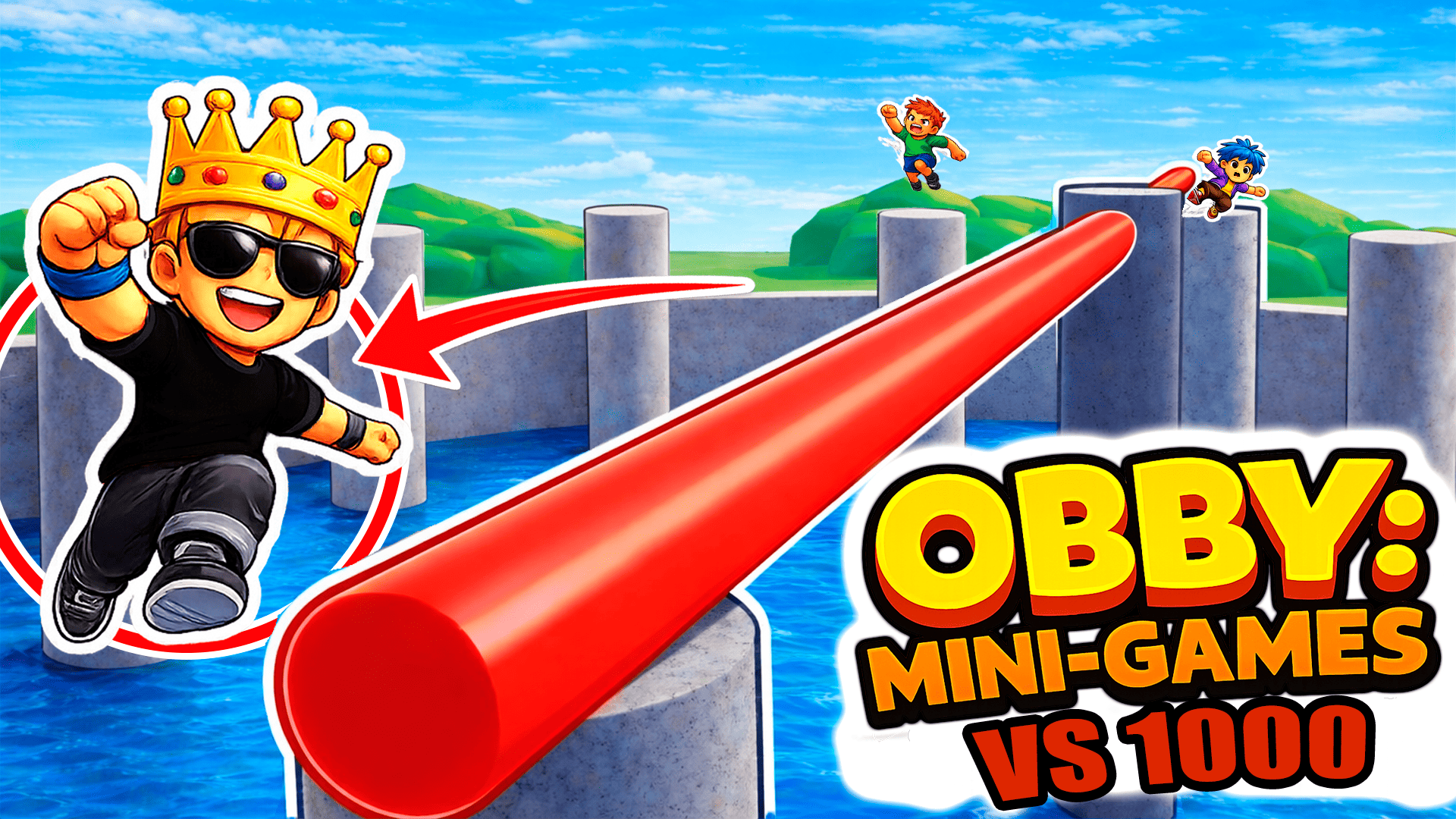
- Master Mid-Air Sketching: Do not wait until you fall to draw surfaces. Pre-draw auxiliary ledges along vertical walls to create emergency recovery zones if a primary jump fails.
- Leverage Multiplayer Slipstreams: Watch ahead in crowded rooms. Following elite parkour runners allows you to piggyback on their timing through complex laser and pendulum traps.
- Invest in Jetpacks Early: Prioritize spending your accumulated currency on mobility-enhancing gear like jetpacks to dramatically shorten platforming recovery windows.
Controls & Input Guide
Use WASD or the Arrow keys to control character movement, acceleration, and directional momentum. Tap the Spacebar or left-click to execute jumps, interact with environmental triggers, and activate drawing tools.
Frequently Asked Questions
How many players can join a single room?
Each active room supports up to 45 concurrent players, enabling massive real-time multiplayer races and collaborative puzzle sessions.
What can I buy with in-game currency?
Currency earned by completing obstacle runs can be spent on unlocking alternative game modes and acquiring custom skins, hats, and jetpacks.
Can you play Obby online with friends: Draw and Jump! unblocked on mobile and Chromebook?
Yes! Obby online with friends: Draw and Jump! runs directly in any modern web browser via lightweight WebGL/HTML5, offering smooth 60 FPS gameplay on school Chromebooks, desktop PCs, iPads, and mobile phones with zero downloads or plugin requirements.