Advanced Tips & Pro Strategies
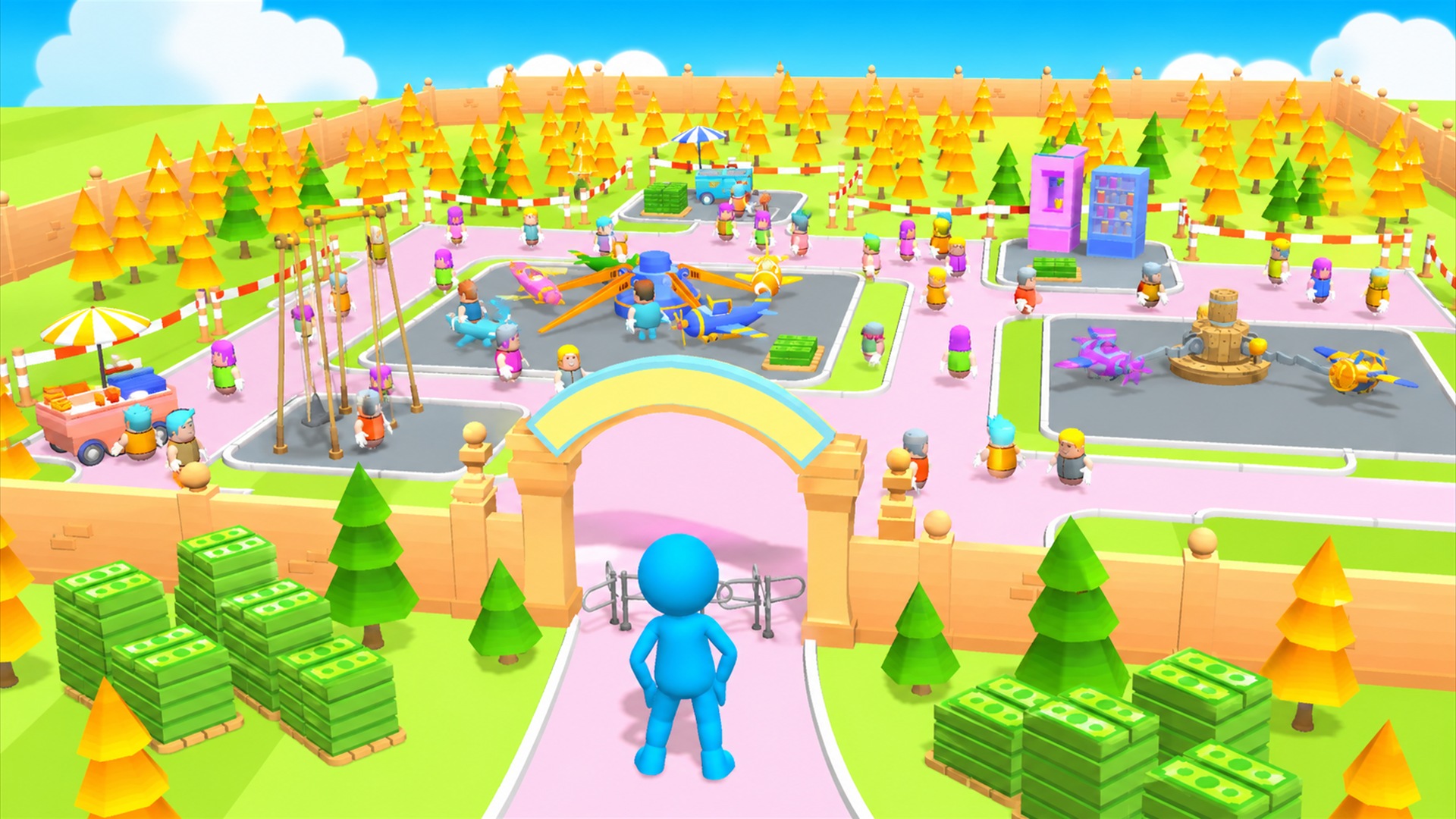
- Prioritize Footprint Expansion Early: Resist the urge to over-upgrade initial rides immediately. Clearing adjacent land plots unlocks higher-tier attractions that yield exponential income multipliers compared to maxing out early-game carousels.
- Optimize Collection Routes: Since your character physically gathers dropped currency, plot your park layout to create loop-friendly corridors. Efficient traversal prevents idle time between coin spawns and keeps your income velocity at peak levels.
- Balance Capacity and Speed: Always upgrade guest processing times alongside ticket prices. Long queue times frustrate visitors, reducing overall park sentiment and dampening secondary spending at food and novelty booths.
Controls & Input Guide
My Little Park 3D features intuitive, single-input controls designed for seamless play. Use Left Mouse Clicks to navigate your character, interact with construction sites, and collect revenue drops. Click-and-drag mechanics allow precise menu navigation and camera manipulation to monitor your expanding park layout.
Frequently Asked Questions
How do I unlock new zones in My Little Park 3D?
New zones are unlocked by approaching barricaded expansion plots and investing accumulated cash directly into the construction milestone markers until the progress bar fills completely.
Does income accumulate while I am away from the park?
The game focuses on active management loops, meaning optimal progression requires manual currency collection and strategic building placement during live sessions.
Can you play My Little Park 3D unblocked on mobile and Chromebook?
Yes! My Little Park 3D runs directly in any modern web browser via lightweight WebGL/HTML5, offering smooth 60 FPS gameplay on school Chromebooks, desktop PCs, iPads, and mobile phones with zero downloads or plugin requirements.