Advanced Tips & Pro Strategies
- Master Pre-Aiming Corners: Keep your crosshair locked at head height right where an enemy's cranium is expected to appear, drastically cutting down your reaction time before pulling the trigger.
- Manage Reload Cadence: Never reload after a single kill if multiple hostiles might round the corner; weapon-swap to your secondary pistol for faster offensive continuity.
- Exploit Vertical Cover: Utilize elevation changes to break enemy tracking, forcing opponents to adjust their vertical axis while you hold a stable downward firing angle.
Controls & Input Guide
Navigate the theater of war utilizing intuitive input mapping: WASD controls directional movement, Mouse Left Click handles aim and fire, R executes tactical magazine reloads, and Spacebar triggers jumps or evasive vertical dodges.
Frequently Asked Questions
How do I minimize weapon recoil during full-auto firing?
Fire in controlled three-to-five round bursts and pull your mouse slightly downward to compensate for vertical muzzle climb.
Is it better to use the sniper rifle or assault rifle on close-quarters maps?
Assault rifles provide superior mobility and close-range target acquisition, making them vastly more reliable for frantic indoor engagements.
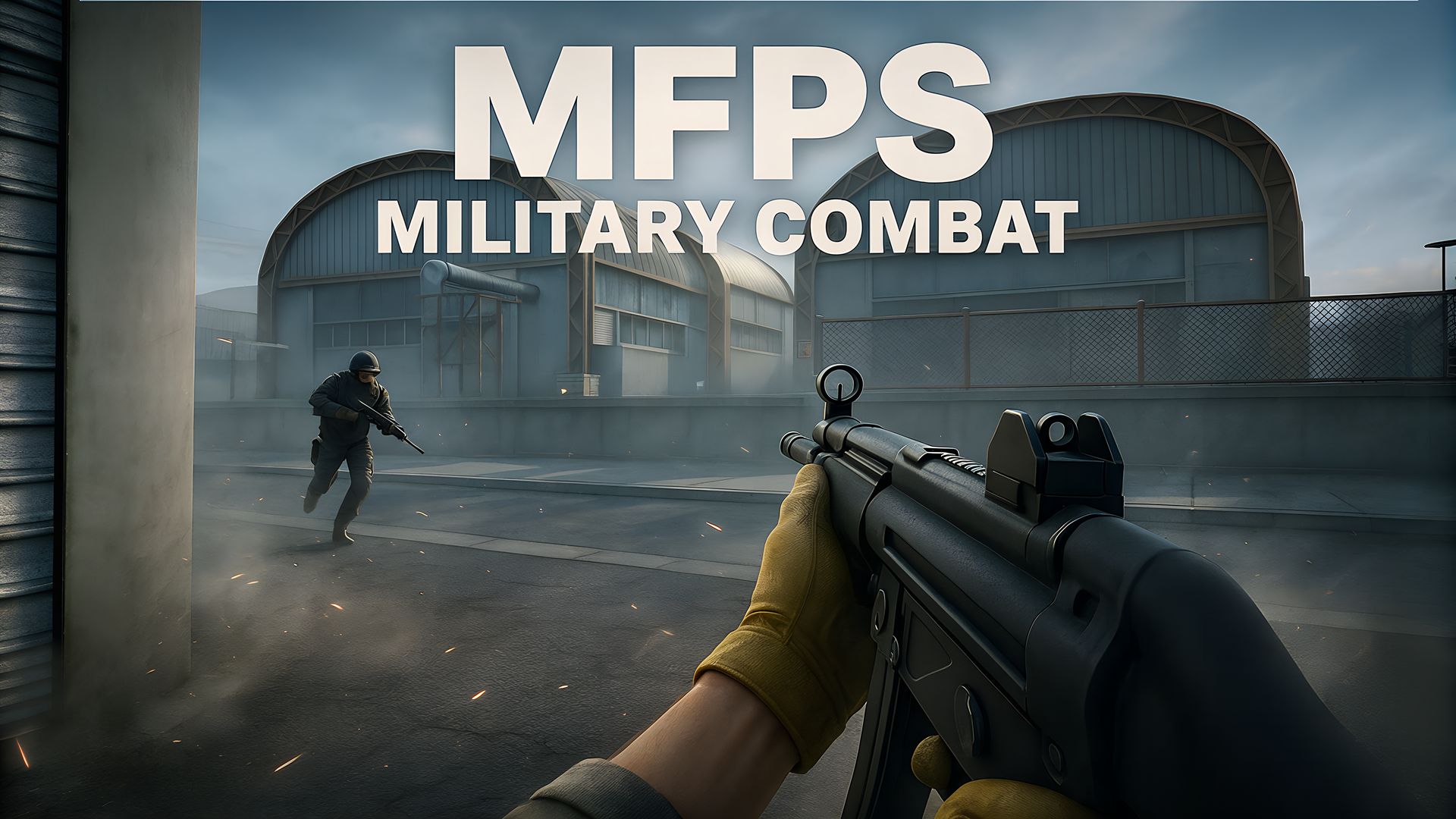
Can you play MFPS:Military Combat unblocked on mobile and Chromebook?
Yes! MFPS:Military Combat runs directly in any modern web browser via lightweight WebGL/HTML5, offering smooth 60 FPS gameplay on school Chromebooks, desktop PCs, iPads, and mobile phones with zero downloads or plugin requirements.