Advanced Tips & Pro Strategies
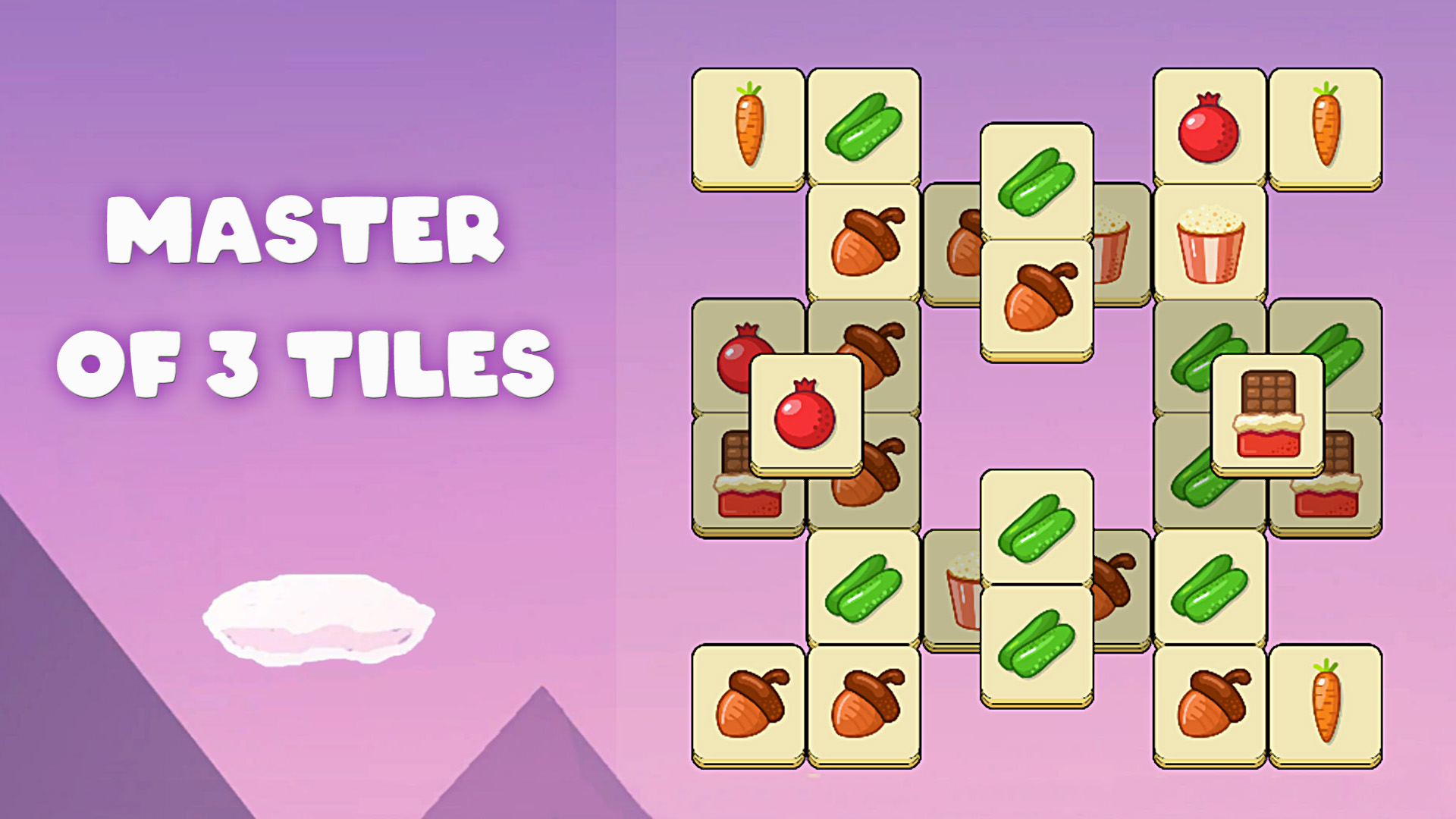
- Prioritize Deep-Layer Tiles: Always target icons that unlock the highest number of covered pieces underneath to prevent yourself from hitting early board bottlenecks.
- Manage Your Tray Buffer: Never allow your seven-slot holding bar to contain more than two of any active symbol unless you are certain the third matching tile is immediately accessible.
- Scan the Entire Stack First: Spend the first five seconds mapping out matching clusters before blindly clicking top-layer icons that might clutter your inventory slots.
Controls & Input Guide
Master of 3 Tiles utilizes responsive pointer-based input. Use a Left Mouse Click to select, tap, and interact with objects on desktop browsers, or tap directly on mobile touchscreens. Click and drag mechanics may also be implemented for sorting workflows, ensuring instantaneous input registration with zero frame delay.
Frequently Asked Questions
What happens when the tile tray fills up completely?
If your seven-slot holding bar reaches maximum capacity without forming a valid set of three matching icons, the level fails immediately, requiring a board reset.
Are tile layouts randomized on every restart?
Yes, each stage shuffles tile placement and stacking depth to test your dynamic puzzle-solving adaptability rather than relying on memorization.
Can you play Master of 3 Tiles unblocked on mobile and Chromebook?
Yes! Master of 3 Tiles runs directly in any modern web browser via lightweight WebGL/HTML5, offering smooth 60 FPS gameplay on school Chromebooks, desktop PCs, iPads, and mobile phones with zero downloads or plugin requirements.