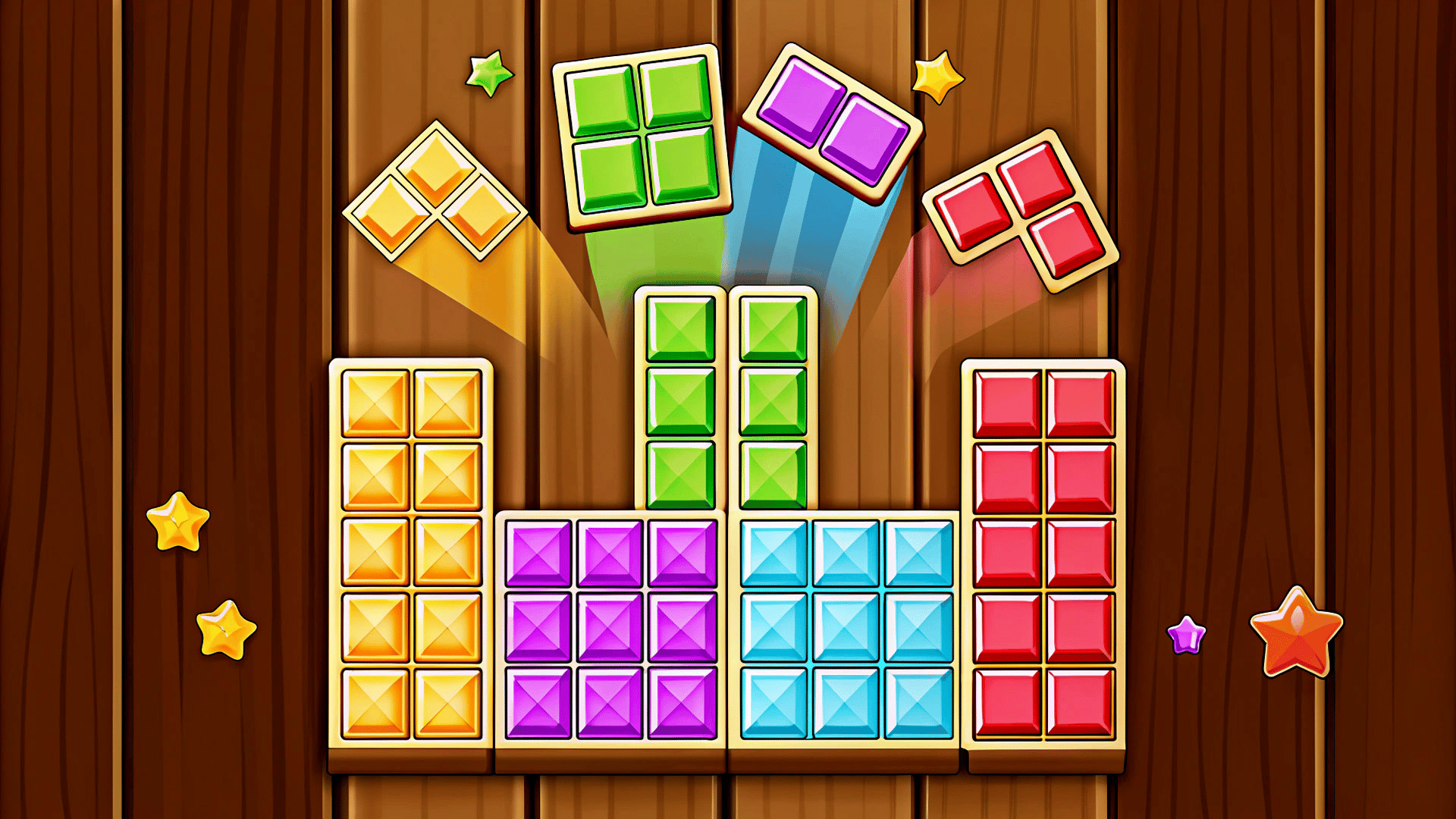
Advanced Tips & Pro Strategies
- Maintain Corner Corridors: Always reserve a clear 3x3 quadrant or border perimeter to safely drop high-liability 3x3 blocks and large irregular shapes without dead-locking your grid.
- Prioritize Combo Multipliers: Avoid clearing single lines impulsively. Stack multiple rows and columns so a single well-placed piece triggers a devastating chain-reaction combo clear.
- Analyze Piece Probabilities: Never assume a long vertical 1x4 bar will appear when you are cornered. Build your stack assuming worst-case RNG spawns to survive past the 10,000-point threshold.
Controls & Input Guide
Jewel Blocks utilizes an intuitive drag-and-drop input scheme optimized for absolute precision. On desktop, click and hold the Left Mouse Button on any active piece in your tray, drag it across the viewport to preview placement, and release to lock it onto the grid. Mobile and tablet users enjoy seamless touch controls: tap and drag gems with your thumb or stylus, utilizing dynamic offset tracking to ensure your finger never obscures the target grid destination.
Frequently Asked Questions
How is the game over condition triggered?
The session ends immediately when the board lacks sufficient empty contiguous grid slots to accommodate any of the three newly generated shapes in your spawn tray.
Are there any power-ups or bombs to clear bad boards?
No, Jewel Blocks relies entirely on pure spatial logic and predictive planning without crutch items, making every high score a testament to genuine tactical proficiency.
Can you play Jewel Blocks unblocked on mobile and Chromebook?
Yes! Jewel Blocks runs directly in any modern web browser via lightweight WebGL/HTML5, offering smooth 60 FPS gameplay on school Chromebooks, desktop PCs, iPads, and mobile phones with zero downloads or plugin requirements.