Advanced Tips & Pro Strategies
- Scan by Zones: Divide complex maps into distinct visual quadrants. Sweep your un-zoomed crosshair systematically from left to right, hunting for geometric inconsistencies or unnatural lighting angles before committing to a sniper scope zoom.
- Utilize Audio Cues: Pay close attention to ambient sound design. Environmental audio hints often correspond to enemy shifts or breathing adjustments, giving away positions concealed by dense foliage or architectural cover.
- Manage Reload Windows: Never expend your final magazine round in high-threat zones. Force manual reloads (R key) behind solid cover to maintain an instant input buffer for surprise counter-threats.
Controls & Input Guide
Navigate 3D environments using WASD to reposition your vantage point. Hold and click the Mouse Left Button to transition into scope view and fire your weapon. Tap R to execute a tactical magazine reload, and utilize the Spacebar to execute quick jumps or evasive dodges when repositioning between firing nests.
Frequently Asked Questions
How do I spot heavily camouflaged targets quickly?
Look for micro-anomalies such as straight lines in natural landscapes, symmetrical pixel clustering, or subtle color palette discrepancies against background textures.
Is there a penalty for missing shots?
While misses rarely cause instant failure, they reduce your overall stage bonus multiplier and alert nearby targets, shortening their reaction windows.
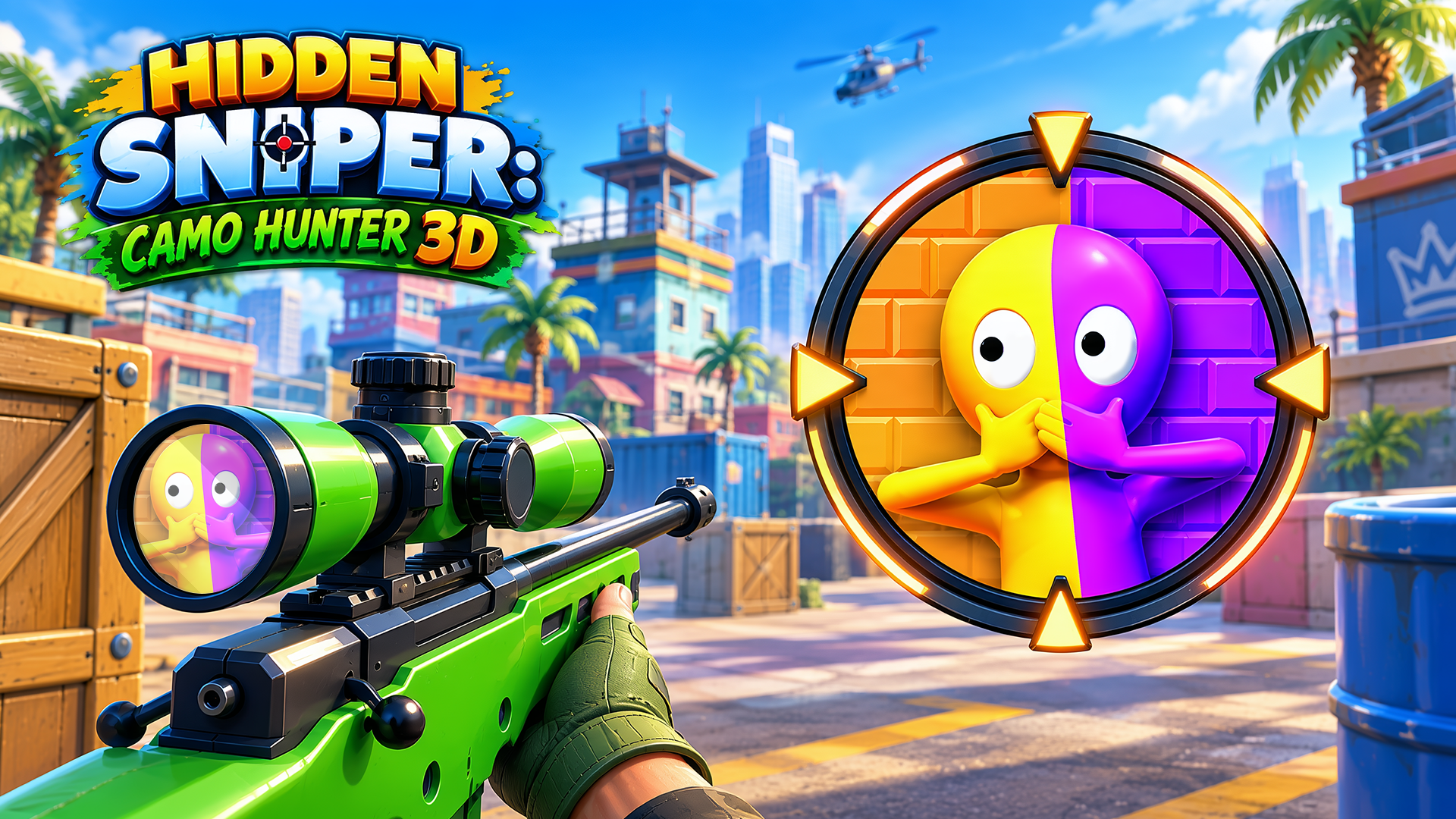
Can you play Hidden Sniper: Camo Hunter 3D unblocked on mobile and Chromebook?
Yes! Hidden Sniper: Camo Hunter 3D runs directly in any modern web browser via lightweight WebGL/HTML5, offering smooth 60 FPS gameplay on school Chromebooks, desktop PCs, iPads, and mobile phones with zero downloads or plugin requirements.