Advanced Tips & Pro Strategies
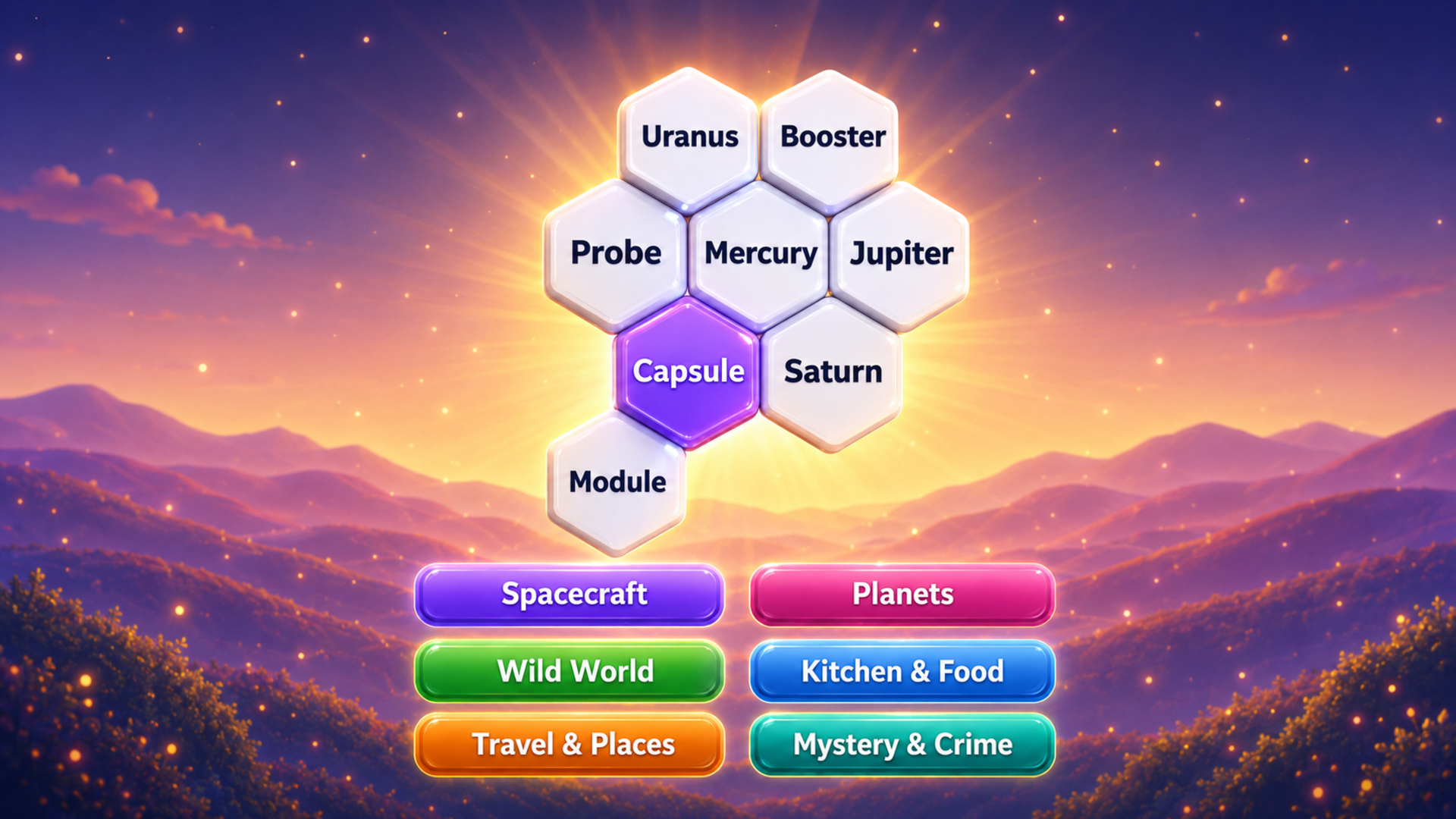
- Isolate Outliers First: Scan the hex board for hyper-specific vocabulary that clearly belongs to only one category, eliminating ambiguity before tackling overlapping general terms.
- Leverage Spatial Proximity: Although categories span the entire grid, game generation often clusters related semantic nodes nearby; examine adjacent tiles for contextual clues.
- Conserve Assistive Tools: Save Hint and Reveal tokens for the final two categories where false cognates create high-penalty guess loops and progression bottlenecks.
Controls & Input Guide
Left-click or tap directly on individual word tiles to select them for your active group. Double-click or press the designated confirmation button to submit your categorized cluster. Click and drag selectively to examine crowded board regions, or tap the shuffle icon to instantly re-randomize unselected tile layouts across the hexagonal field.
Frequently Asked Questions
Are there any time limits or speed penalties in Hexa Word?
No, the game completely removes timers and score-attack pressure, allowing you to contemplate complex semantic associations at your own relaxed pace.
What happens when I select an incorrect word combination?
Submitting an invalid group triggers a subtle visual pulse and consumes a strike, forcing you to re-evaluate overlapping definitions before your remaining attempts run out.
Can you play Hexa Word unblocked on mobile and Chromebook?
Yes! Hexa Word runs directly in any modern web browser via lightweight WebGL/HTML5, offering smooth 60 FPS gameplay on school Chromebooks, desktop PCs, iPads, and mobile phones with zero downloads or plugin requirements.