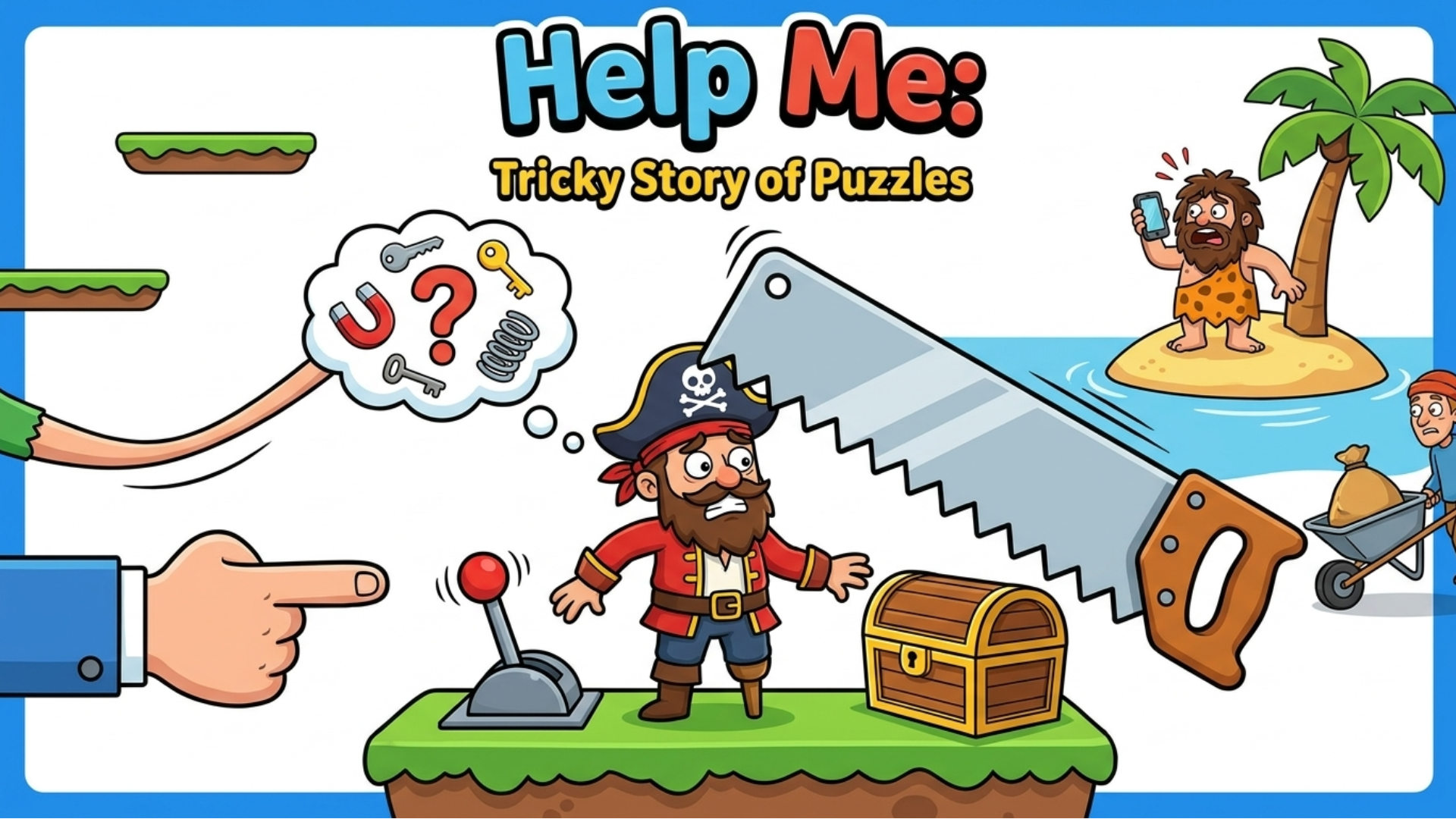
Advanced Tips & Pro Strategies
- Question Every Background Asset: Do not tunnel-vision on the obvious tools in the foreground. Often, the winning solution involves tapping decorative wall elements, clouds, or even UI borders to reveal hidden items.
- Experiment with Multi-Step Dragging: Many late-game puzzles require compound actions. Drag item A onto item B to craft a composite tool before applying it to the character in distress.
- Watch for Animation Cues: Pay close attention to idle character animations and environmental feedback loops. Subtle visual shifts frequently indicate where the hitboxes and active touch zones are hidden.
Controls & Input Guide
Interaction is optimized for seamless mouse and touch input. Use a Left Mouse Click or a single finger tap to select, activate, or inspect objects. Utilize a Click & Drag or press-and-slide gesture to reposition movable tiles, combine ingredients, or drag tools directly onto target areas within the 2D playfield.
Frequently Asked Questions
Are there time limits for solving tricky puzzles?
No, stages operate independently of timers, encouraging methodical experimentation and creative problem-solving at your own pace.
What should I do if I get stuck on a bizarre scenario?
Take a step back to re-examine background elements, or use the built-in hint system to point your logic in the right direction without breaking immersion.
Can you play Help Me: Tricky Story of Puzzles unblocked on mobile and Chromebook?
Yes! Help Me: Tricky Story of Puzzles runs directly in any modern web browser via lightweight WebGL/HTML5, offering smooth 60 FPS gameplay on school Chromebooks, desktop PCs, iPads, and mobile phones with zero downloads or plugin requirements.