Advanced Tips & Pro Strategies
- Bait Every Trap First: Never rush blindly into a new screen. Take advantage of your initial life to deliberately trigger hidden floor drops and spike spawns so you know their precise hitboxes on your next run.
- Micro-Adjustments in Mid-Air: Master the subtle art of feathering your directional keys during jumps to correct your trajectory when moving platforms suddenly shift or vanish beneath you.
- Memorize Audio-Visual Cues: Pay close attention to subtle frame stutter or unique sound effects that often precede trapdoor collapses and sudden projectile launches across later stages.
Controls & Input Guide
Use the WASD or Arrow Keys to navigate your character left and right across treacherous platforms. Tap the Spacebar or Click your mouse to execute precision jumps, clear obstacles, and interact with environmental objects and portals.
Frequently Asked Questions
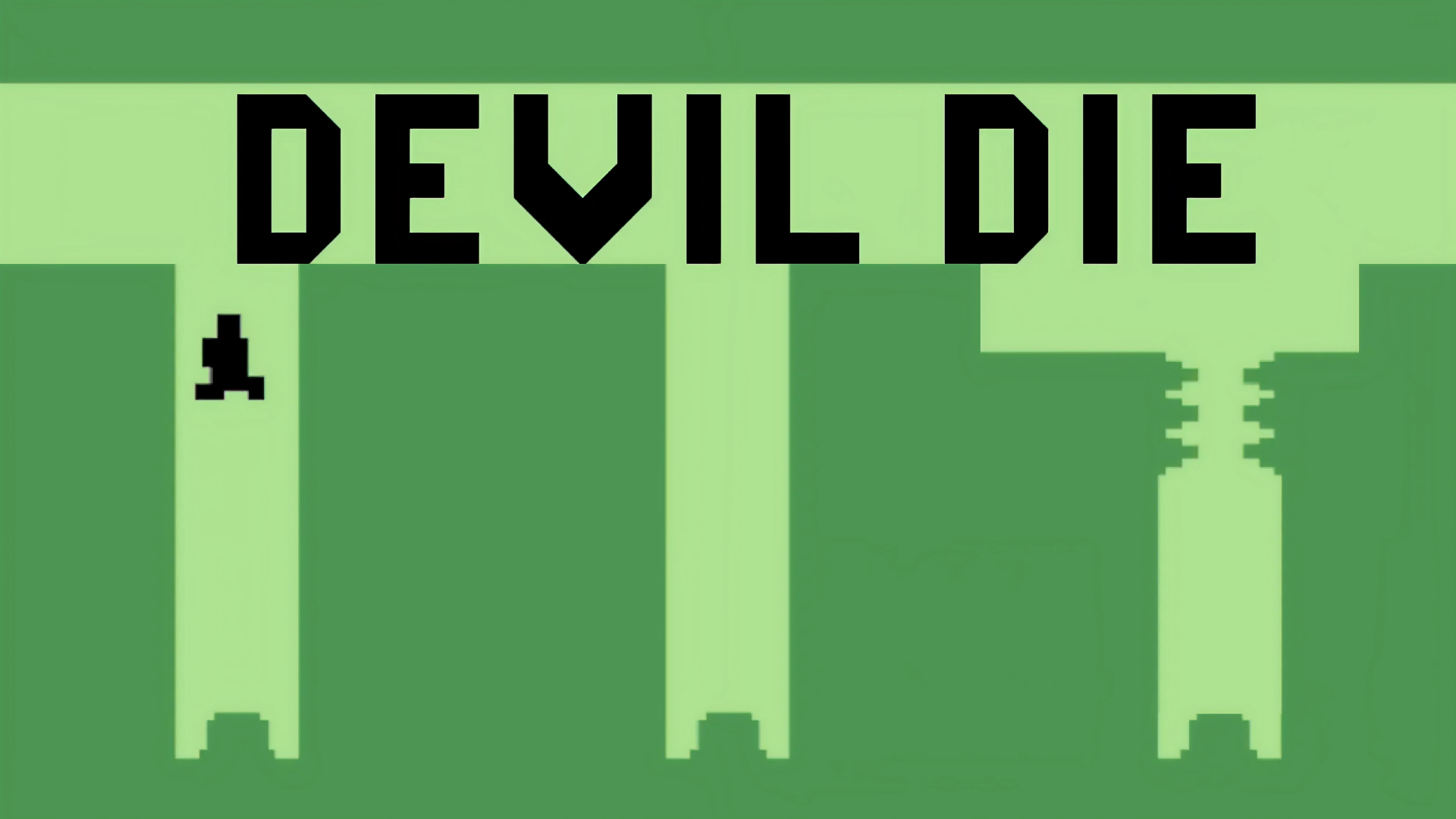
Why do levels change unexpectedly in Devil Die?
The game relies on hidden trigger zones and subverted player expectations, meaning standard platforming paths are frequently booby-trapped to punish blind memorization.
Are checkpoints available during difficult stages?
Checkpoints are sparse, forcing you to conquer multi-stage gauntlets and master precise jump timings under immense psychological pressure.
Can you play Devil Die unblocked on mobile and Chromebook?
Yes! Devil Die runs directly in any modern web browser via lightweight WebGL/HTML5, offering smooth 60 FPS gameplay on school Chromebooks, desktop PCs, iPads, and mobile phones with zero downloads or plugin requirements.