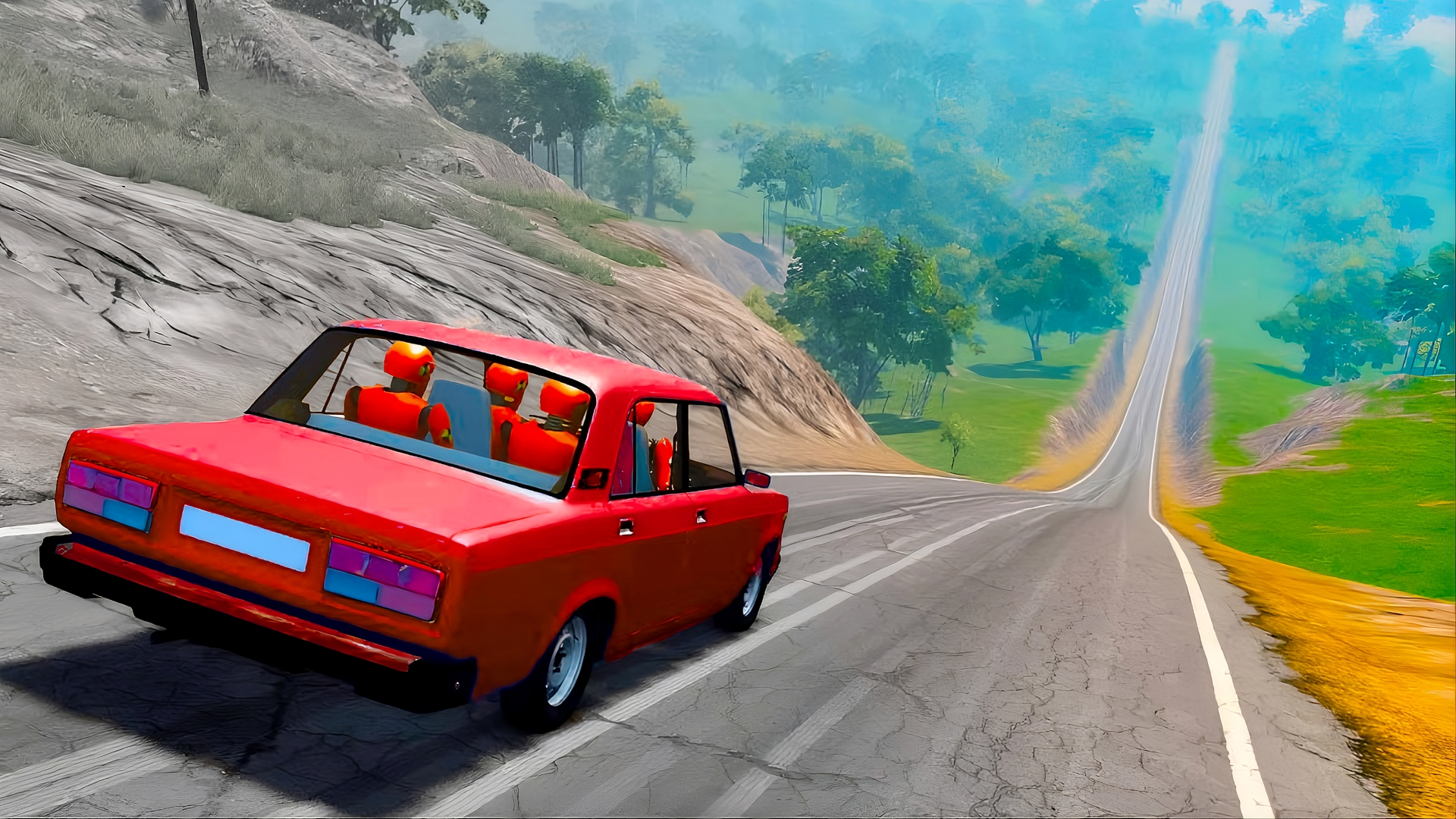
Advanced Tips & Pro Strategies
- Master Air-Time Pitch Control: When launching off cliff edges, tap the reverse or accelerate inputs mid-air to adjust your vehicle's pitch, ensuring your landing matches the downhill slope angle to absorb impact forces evenly.
- Weaponize the Handbrake: Rely on controlled handbrake stabs rather than hard steering to whip your rear tires around tight alpine hairpins without scrubbing all your forward momentum against rock walls.
- Read the Terrain Ahead: Scan the horizon continuously rather than staring at your front bumper; identifying drop-offs and loose boulder patches early allows you to feather the brakes before entering high-danger velocity zones.
Controls & Input Guide
Drive using W or Up Arrow to accelerate forward and S or Down Arrow to reverse or apply rear brakes. Steer left and right using the A and D keys or Left and Right Arrow keys. Engage the handbrake with the Spacebar to initiate aggressive drift lines and rapidly scrub excess speed.
Frequently Asked Questions
How do I prevent my car from flipping over on steep drops?
Avoid slamming the brakes while pointing straight down a sheer vertical face; instead, feather the reverse key lightly to keep the nose up and distribute landing impact evenly across all four suspension struts.
Are there vehicle upgrades available to improve survival rates?
Progressive runs unlock sturdier chassis designs and tighter handling profiles, helping you absorb harsher impacts and maintain traction across loose gravel and ice patches.
Can you play Deadly Descent unblocked on mobile and Chromebook?
Yes! Deadly Descent runs directly in any modern web browser via lightweight WebGL/HTML5, offering smooth 60 FPS gameplay on school Chromebooks, desktop PCs, iPads, and mobile phones with zero downloads or plugin requirements.