Advanced Tips & Pro Strategies
- Chain Merge Pacing: Do not rush to collect every single low-value block indiscriminately. Intentionally route your snake to set up cascading merges that rapidly balloon your lead cube without cluttering your maneuvering space.
- Arena Edge Control: Avoid lingering in the center of the arena where cross-traffic is highest. Hugging the outer perimeter allows you to corral smaller target cubes while minimizing blind-spot collisions with rival entities.
- Momentum & Turn Radius Management: Account for the input buffer and the delay of your longer tail segments. Cut corners tightly by anticipating your turning arc several ticks in advance to avoid clipping high-value barriers.
Controls & Input Guide
Navigate your numerical serpent effortlessly using intuitive desktop and touch inputs. Left Mouse Click: Select interface items, menu options, and start matches. Click & Drag: Dynamically steer the snake's head across the arena floor, translating continuous directional mouse sweeps and touch-drag gestures into precise 60 FPS spatial movements.
Frequently Asked Questions
How do cube combinations affect snake length in Cube Snake 2048?
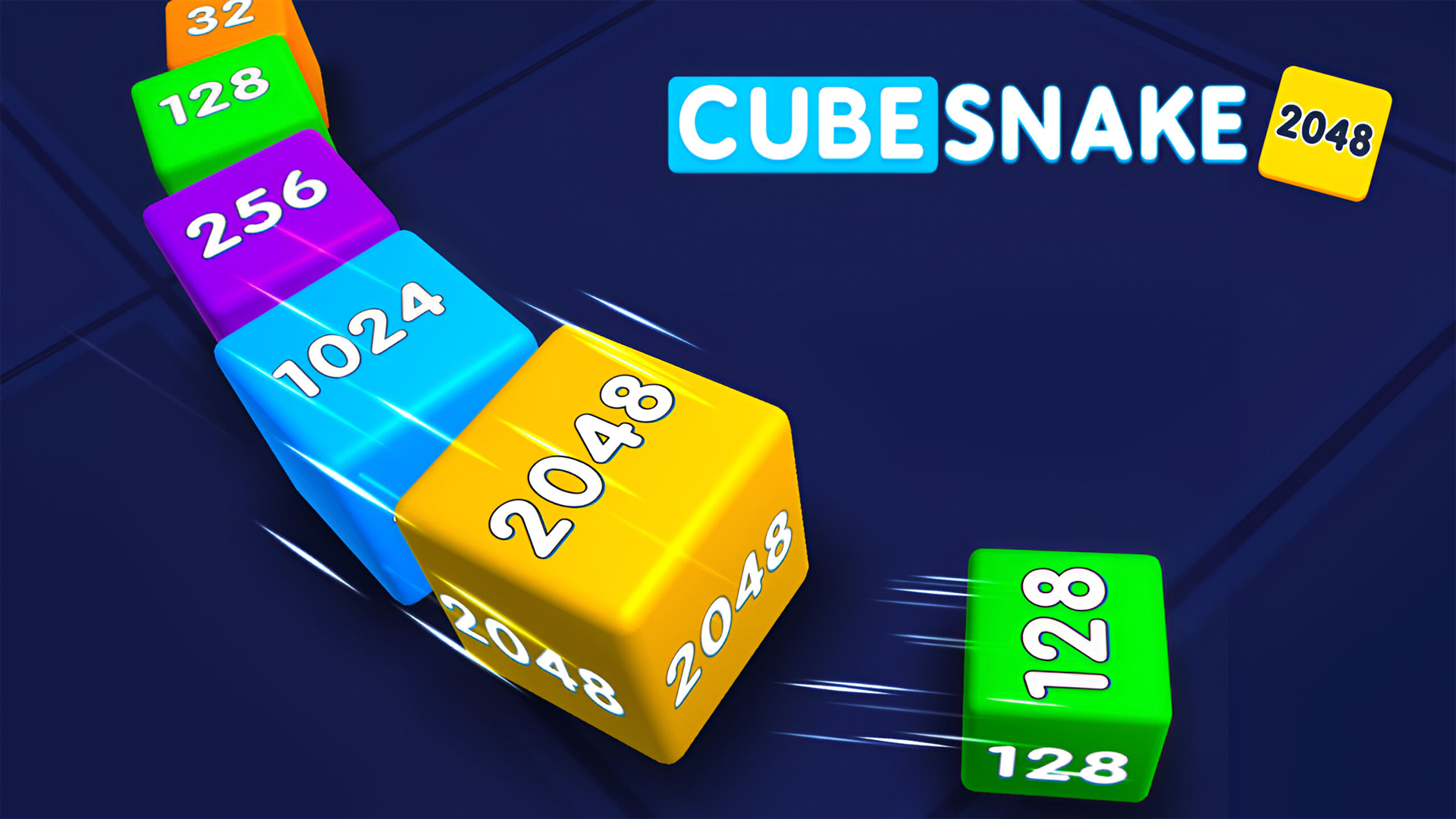
When two identical numerical cubes collide along your tail, they merge into a single cube of double the value. This mechanic keeps your snake agile by reducing physical length while dramatically increasing your numerical score potential.
What happens if my snake head hits a higher-numbered block?
Impact with any block or obstacle carrying a higher numerical value than your leading head results in an immediate run termination, forcing you to restart your score climb from scratch.
Can you play Cube Snake 2048 unblocked on mobile and Chromebook?
Yes! Cube Snake 2048 runs directly in any modern web browser via lightweight WebGL/HTML5, offering smooth 60 FPS gameplay on school Chromebooks, desktop PCs, iPads, and mobile phones with zero downloads or plugin requirements.