Advanced Tips & Pro Strategies
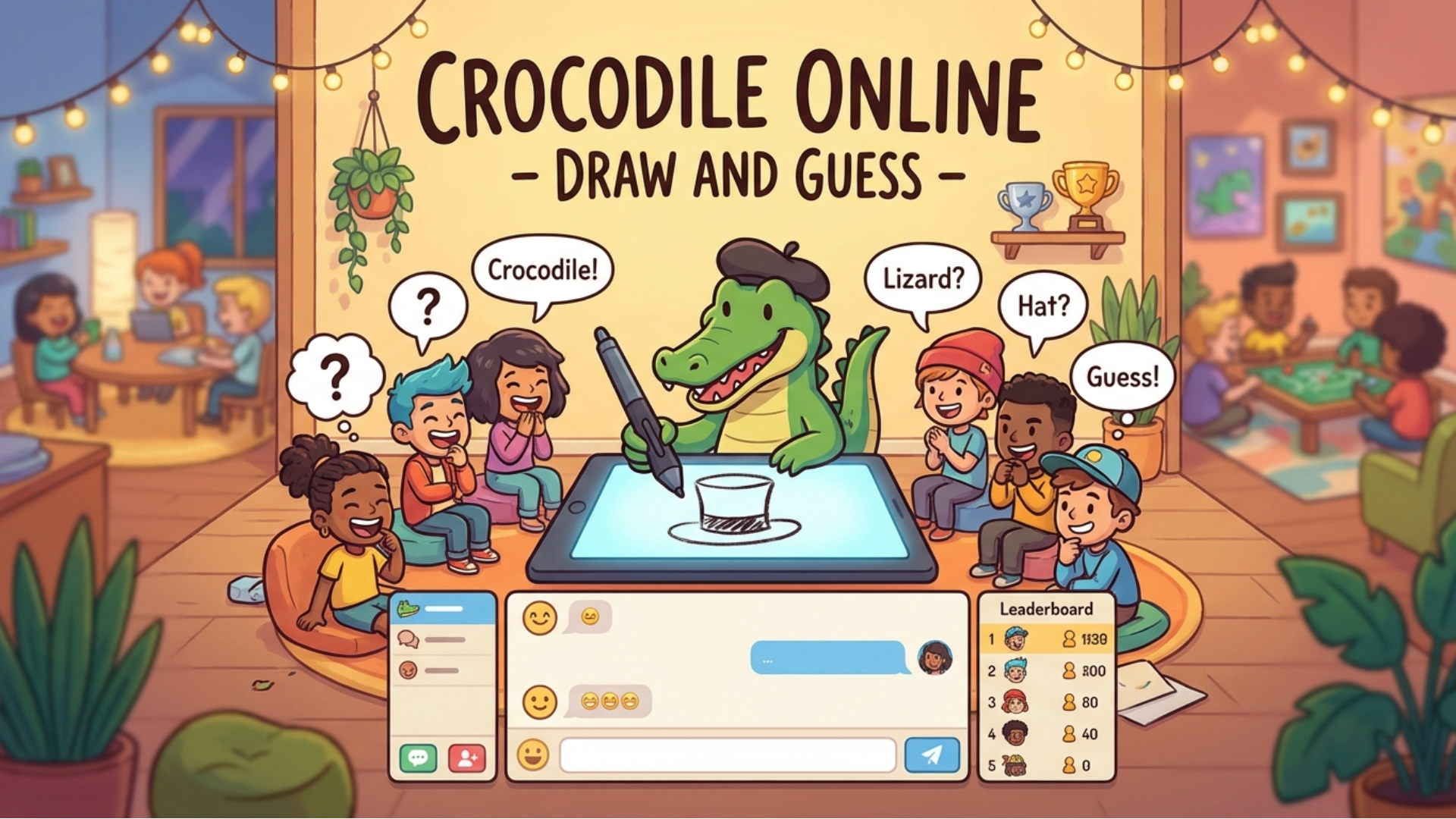
- Master the Contour First: When drawing complex objects, always establish the outer silhouette before adding interior shading. Guessers parse overall geometric shapes much faster than isolated fine details.
- Leverage Spatial Metaphors: If you draw a difficult abstract concept, use directional arrows, speech bubbles, or miniature context icons to guide the chat toward the correct linguistic category.
- Spam Root Words Early: As a guesser, do not wait for the drawing to finish. Type morphological root words rapidly into the input buffer to test categories while the artist is still rendering primary strokes.
Controls & Input Guide
Crocodile Online - Draw and Guess utilizes a mouse or touchscreen for precise vector drawing on the active canvas. The keyboard is used exclusively for typing guesses into the live chat panel and navigating menu lobbies. No complex keybind configurations or gamepads are required.
Frequently Asked Questions
How does the scoring system calculate points?
Points are split between the active artist and the correct guesser. Guessers receive higher score values based on how quickly they submit the right word after the round begins, while artists gain points proportional to how many players successfully guess their drawing.
Can I create private rooms to play exclusively with friends?
Yes! The lobby system lets you generate private room codes, allowing you to bypass public matchmaking and host custom party matches with your own specific word lists and timer constraints.
Can you play Crocodile Online - Draw and Guess unblocked on mobile and Chromebook?
Yes! Crocodile Online - Draw and Guess runs directly in any modern web browser via lightweight WebGL/HTML5, offering smooth 60 FPS gameplay on school Chromebooks, desktop PCs, iPads, and mobile phones with zero downloads or plugin requirements.