Advanced Tips & Pro Strategies
- Master the Handbrake Drift: Use the spacebar to initiate controlled drifts around tight blind corners, allowing you to reorient your chassis vector instantly without bleeding too much forward velocity.
- Anticipate Traffic Chokepoints: Study upcoming vehicle spawn patterns instead of reacting solely to immediate threats on your screen; proactive lane switching beats reactive braking every time.
- Leverage Momentum Conservation: Avoid slamming the brakes unless completely necessary. Feathering the accelerator maintains your kinetic energy, keeping score multipliers active during tense congestion waves.
Controls & Input Guide
Use the W or Up Arrow to accelerate and drive forward, and the S or Down Arrow to brake or reverse. Steer left and right using the A and D keys or horizontal arrow keys. Engage the Spacebar to execute handbrake maneuvers and drift around sharp intersection corners.
Frequently Asked Questions
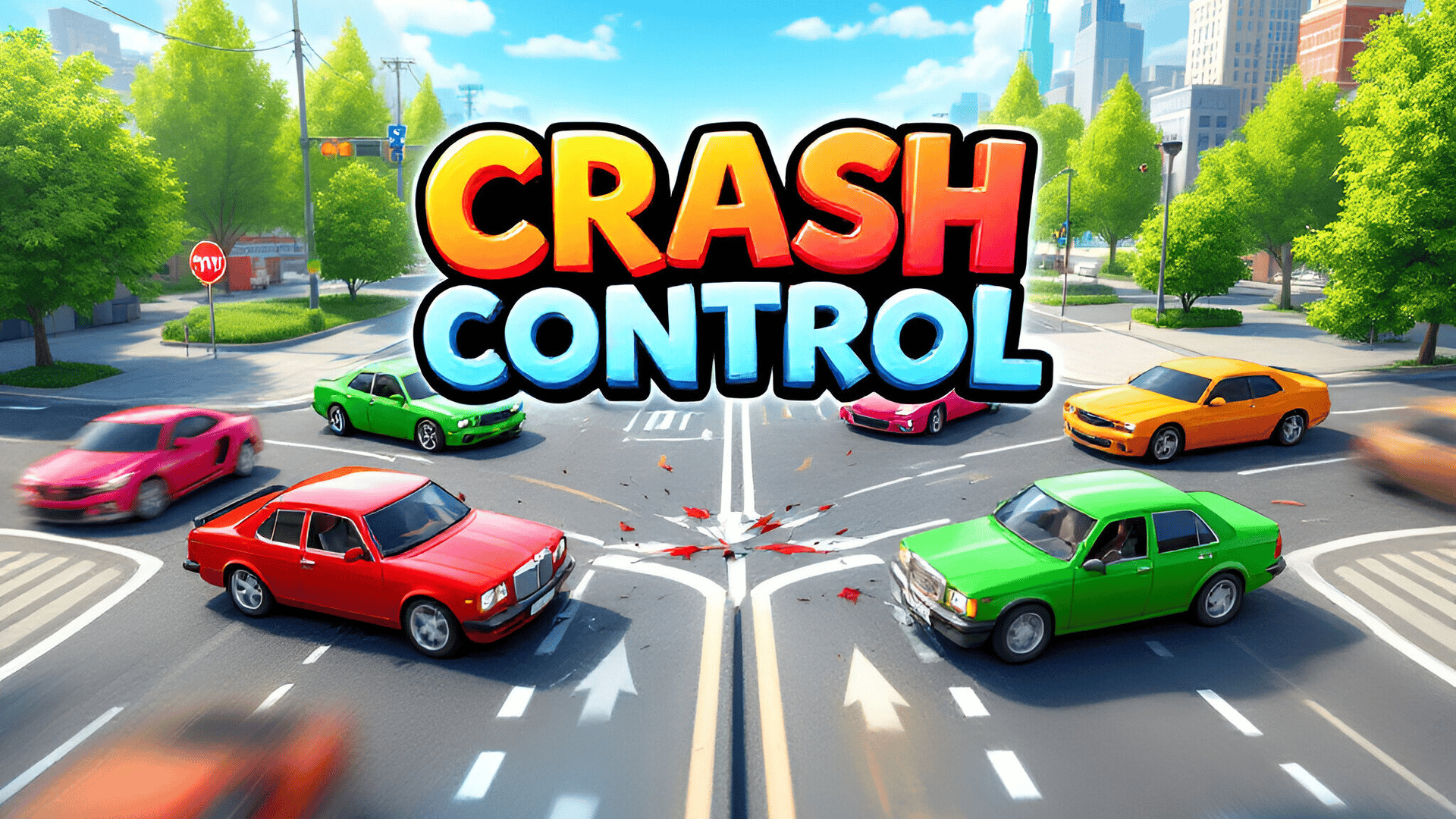
How do I maximize my score multiplier in Crash Control?
Sustain tight near-miss tolerances with oncoming traffic and execute clean drifts through intersections without clipping barriers to build compounding score streaks.
Are vehicle handling physics different between stages?
Yes. Later stages introduce heavier vehicles with altered center-of-gravity parameters, requiring you to adjust your braking inputs and steering lead times accordingly.
Can you play Crash Control unblocked on mobile and Chromebook?
Yes! Crash Control runs directly in any modern web browser via lightweight WebGL/HTML5, offering smooth 60 FPS gameplay on school Chromebooks, desktop PCs, iPads, and mobile phones with zero downloads or plugin requirements.