⌘K
Favorites
Exit Lights Off (ESC)
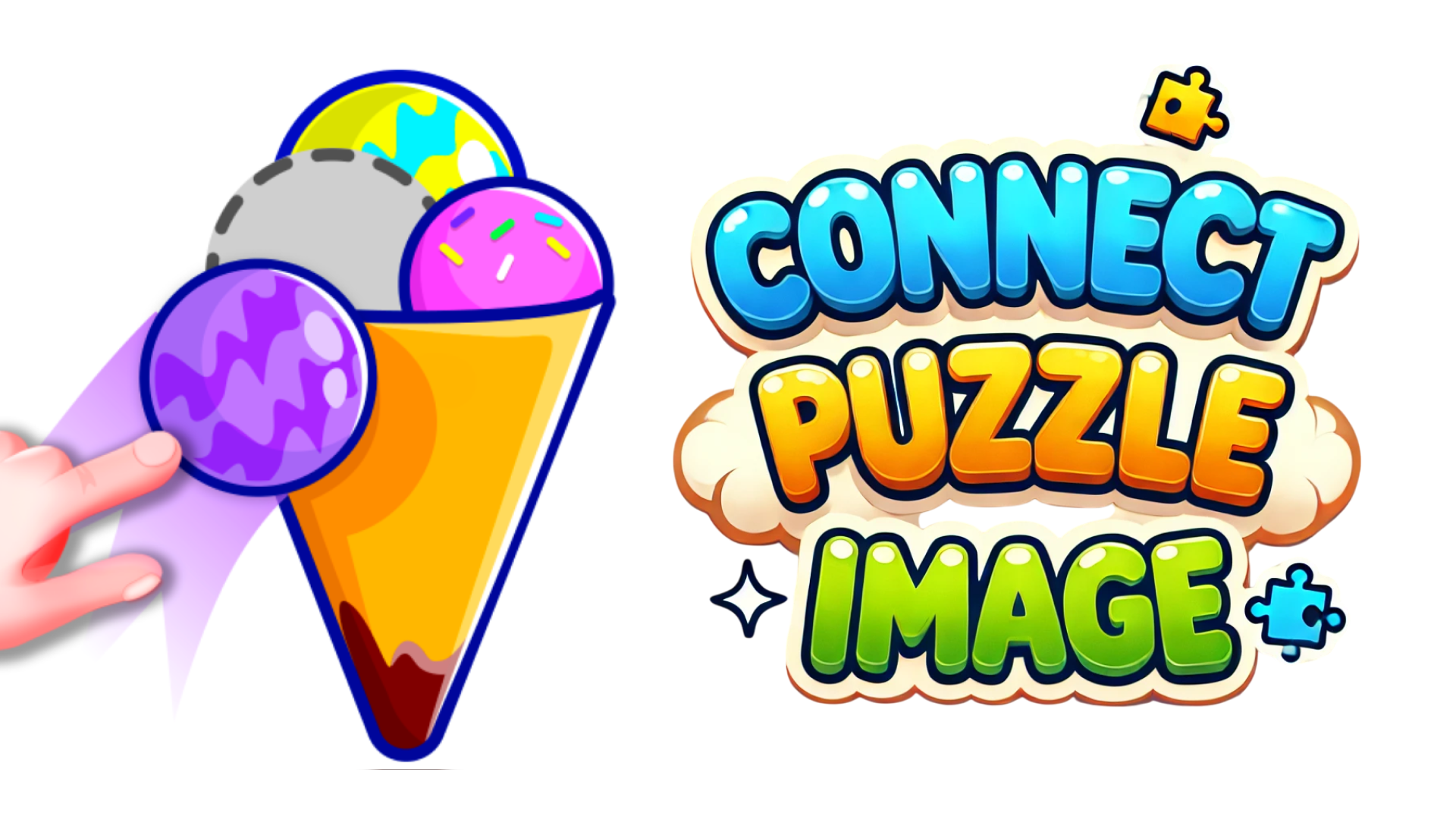
Connect Puzzle Image
Connect Puzzle Image Puzzle

Game Title

4.8 / 5.0 (Rating) All Ages
Game Orientation: Horizontal, Vertical
Platforms: PC, Android, iOS
Release Date: October 2024
Last Updated: September 2026
Game Engine: Unity, HTML5
Supported Languages: English, Turkish, Spanish, French, German
Categories: Simulation, Trending

Connect Puzzle Image - Gameplay Video & Walkthrough

Watch complete walkthrough & puzzle solutions for Connect Puzzle Image.

About Connect Puzzle Image

Connect Puzzle Image captures the tactile satisfaction of a physical tabletop jigsaw while optimizing the format for rapid, screen-based play. Built around clean visual layouts and smooth physics drag-and-drop feedback, this browser title challenges your spatial awareness and pattern recognition across increasingly intricate photographic boards. As you slot floating tiles into their correct coordinates, the game rewards precise mouse-eye coordination and logical deduction. The minimalist aesthetic strips away unnecessary UI clutter, letting you focus entirely on color gradients, edge matching, and contextual clues hidden within each fragmented scene.

Core Mechanics & Physics

The gameplay loop centers on managing a workspace cluttered with randomized tile placements. Using an intuitive click-and-drag input schema, players manipulate individual pieces across the board with responsive momentum. Collision detection snaps properly aligned borders into place when tolerances are met, providing immediate sensory confirmation. Level design progressively scales in difficulty by introducing higher piece counts, subtle monochromatic color palettes, and deceptive edge pieces that demand careful examination of lighting and texture patterns.

Advanced Tips & Pro Strategies

  • Border Sorting First: Always isolate and anchor the perimeter pieces before attempting to fill the core image interior, establishing a clear canvas boundary.
  • Color Clustering: Group unplaced fragments by dominant color swatches and lighting gradients to drastically reduce visual search times on complex boards.
  • Pattern Scanning: Look for distinct textural lines and sharp contrast anomalies rather than forcing random trial-and-error piece rotation.

Controls & Input Guide

Left Mouse Click to select, tap, and interact with objects; Click and Drag to move tiles, shift workspace items, or lock pieces into correct board positions. Fully optimized for responsive touchscreen and trackpad interactions.

Frequently Asked Questions

How do I handle similar-looking background tiles in Connect Puzzle Image?

Pay close attention to micro-textures, brushstroke directions, and lighting shifts near the tile edges to differentiate matching coordinates.

Are there time limits or scoring penalties for wrong placements?

No, the experience is intentionally designed as a relaxing brain-training exercise without stressful countdown timers or move penalties.

Can you play Connect Puzzle Image unblocked on mobile and Chromebook?

Yes! Connect Puzzle Image runs directly in any modern web browser via lightweight WebGL/HTML5, offering smooth 60 FPS gameplay on school Chromebooks, desktop PCs, iPads, and mobile phones with zero downloads or plugin requirements.

Similar Games

Games by Developer













