Advanced Tips & Pro Strategies
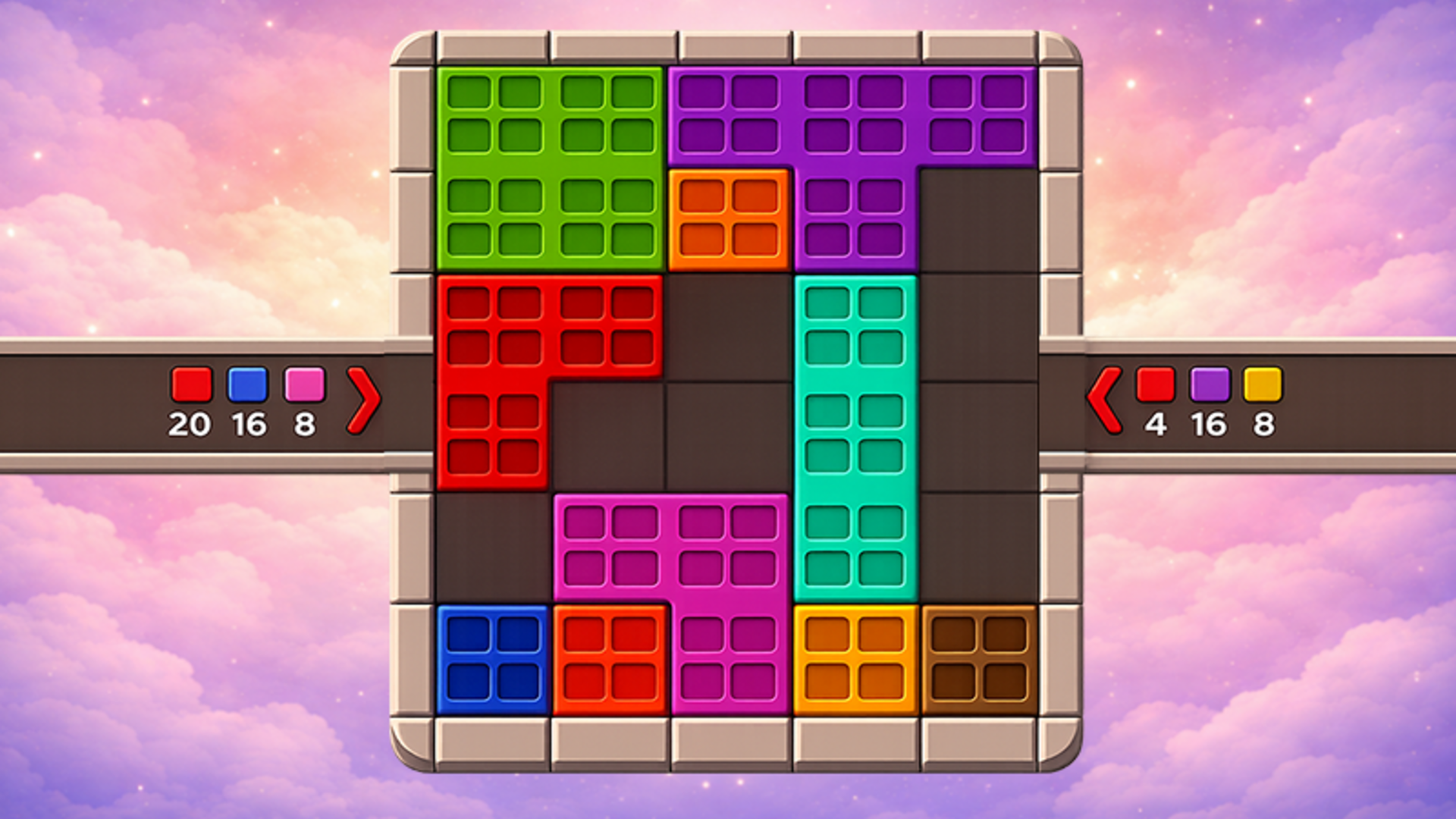
- Isolate High-Capacity Targets: Focus early moves on clearing large, multi-segment shapes first to open up crucial perimeter tiles for subsequent conveyor streams.
- Map Out Color Sequences: Because levels feature zero penalties for experimentation, manually trace incoming color orders on the conveyor before committing tiles to permanent slots.
- Conserve Special Boosters: Save your three unique clearance boosters strictly for late-stage bottlenecks where complex geometric overlaps block access to final scoring zones.
Controls & Input Guide
Interact entirely via intuitive pointer inputs. Use Left Mouse Click to select, tap, and pick up geometric shapes from the palette. Click and drag smoothly across the viewport to position tiles accurately onto the grid layout. On mobile touchscreens, tap-and-drag gestures provide direct, fluid manipulation of all board elements with zero input lag.
Frequently Asked Questions
Can you run out of lives or fail in Color Cube Puzzle?
No, there are no failure states, lives systems, or time limits, allowing you to freely undo or reset moves whenever your strategy requires a fresh approach.
How do the special boosters function?
Boosters help clear stubborn blocks, bypass color mismatches, or instantly fill targeted shapes when you encounter particularly difficult late-game layouts.
Can you play Color Cube Puzzle unblocked on mobile and Chromebook?
Yes! Color Cube Puzzle runs directly in any modern web browser via lightweight WebGL/HTML5, offering smooth 60 FPS gameplay on school Chromebooks, desktop PCs, iPads, and mobile phones with zero downloads or plugin requirements.