Advanced Tips & Pro Strategies
- Prioritize Threat Density: Target cascading windows that obscure vital play area boundaries first. Clearing localized clusters prevents total screen gridlock and maintains escape vectors for your cursor.
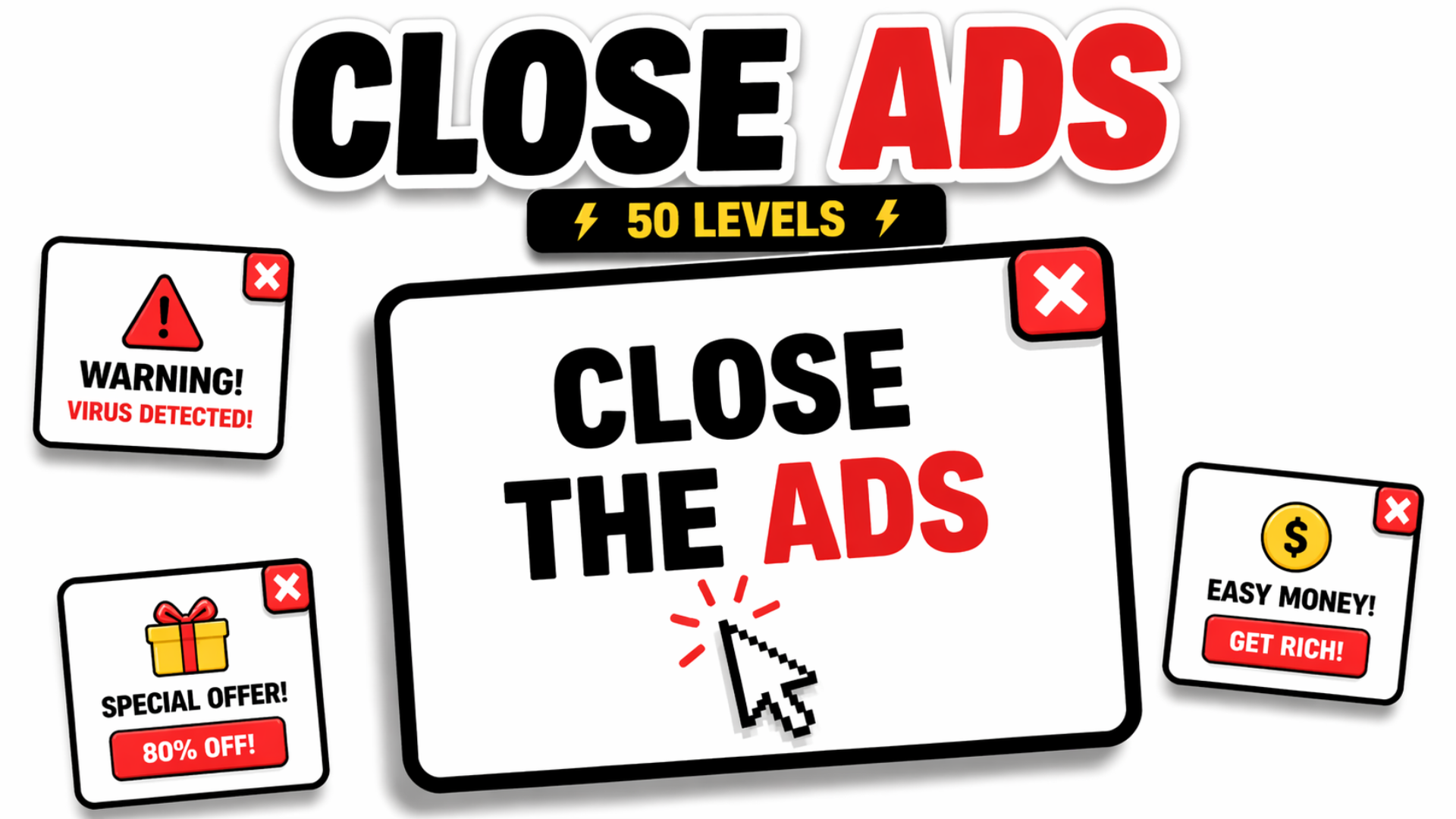
- Identify Decoy Traps: Advanced stages frequently spawn fake close buttons carrying hidden penalty triggers. Learn to spot subtle pixel discrepancies in font rendering and color shading to avoid devastating click errors.
- Maintain Rhythm Over Panic: Resist the urge to spam inputs blindly. Developing a steady, metronomic clearing tempo preserves input accuracy and prevents costly missed clicks during peak visual congestion.
Controls & Input Guide
Navigate the interface using WASD or Arrow Keys for precise character or cursor positioning. Execute primary window interactions, jumps, or confirmations using the Spacebar or left Mouse Click for instant touchless response frames.
Frequently Asked Questions
How do I avoid clicking fake close buttons in later levels?
Pay close attention to the visual borders and drop shadows of pop-up windows; authentic close buttons align strictly with standard UI anchor points, whereas decoys often feature distorted aspect ratios or shifting hitboxes.
What is the best way to maintain a high score multiplier?
Focus on continuous, uninterrupted clearing sequences without triggering false dialog penalties. Speed is essential, but accuracy dictates whether your multiplier chain survives the hardest stages.
Can you play Close Ads unblocked on mobile and Chromebook?
Yes! Close Ads runs directly in any modern web browser via lightweight WebGL/HTML5, offering smooth 60 FPS gameplay on school Chromebooks, desktop PCs, iPads, and mobile phones with zero downloads or plugin requirements.