Advanced Tips & Pro Strategies
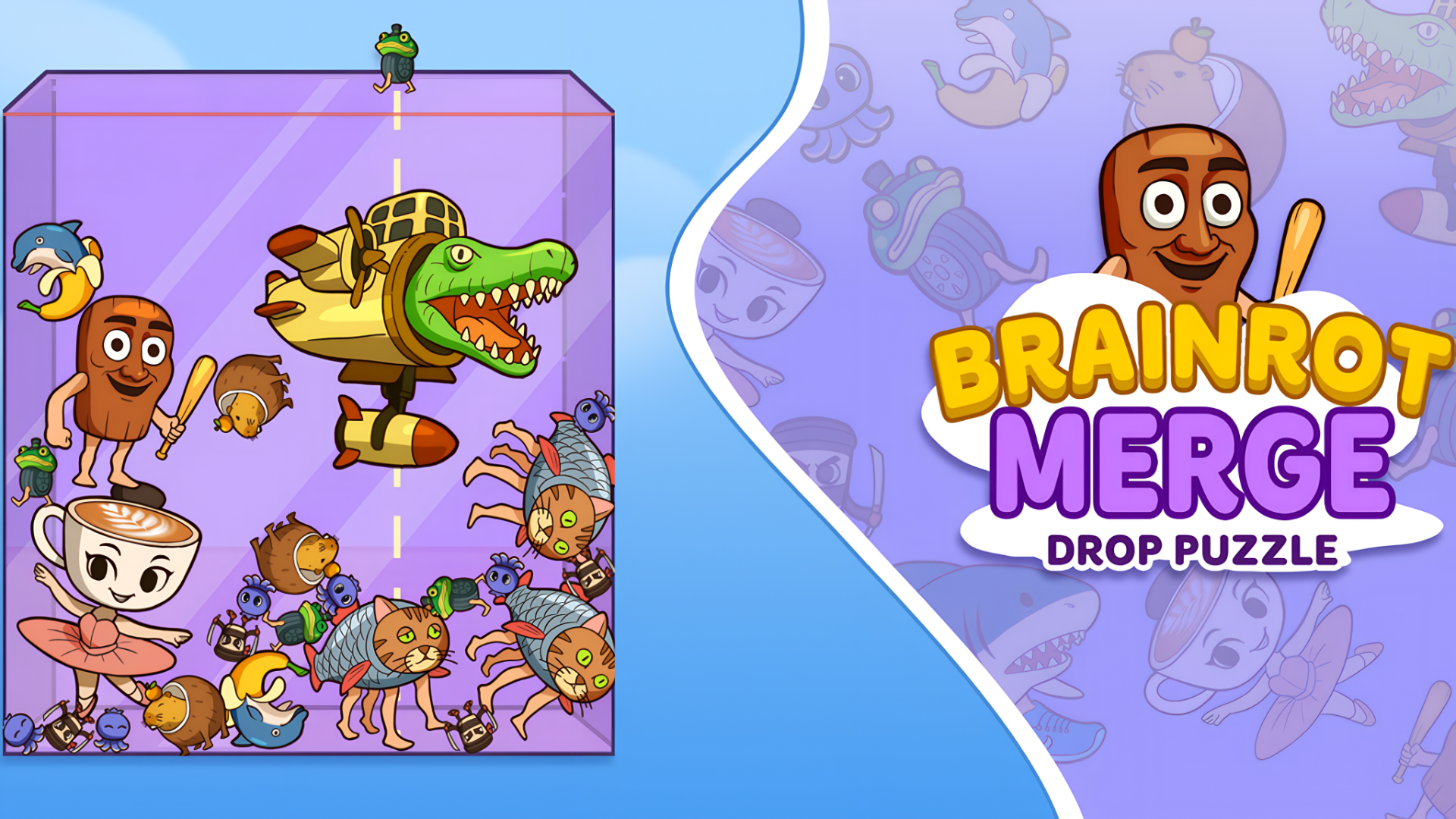
- Control the Valley: Avoid building tall, volatile towers in the center. Instead, cultivate a cascading slope by stacking smaller items on one side and heavier, high-tier icons on the other to absorb impacts.
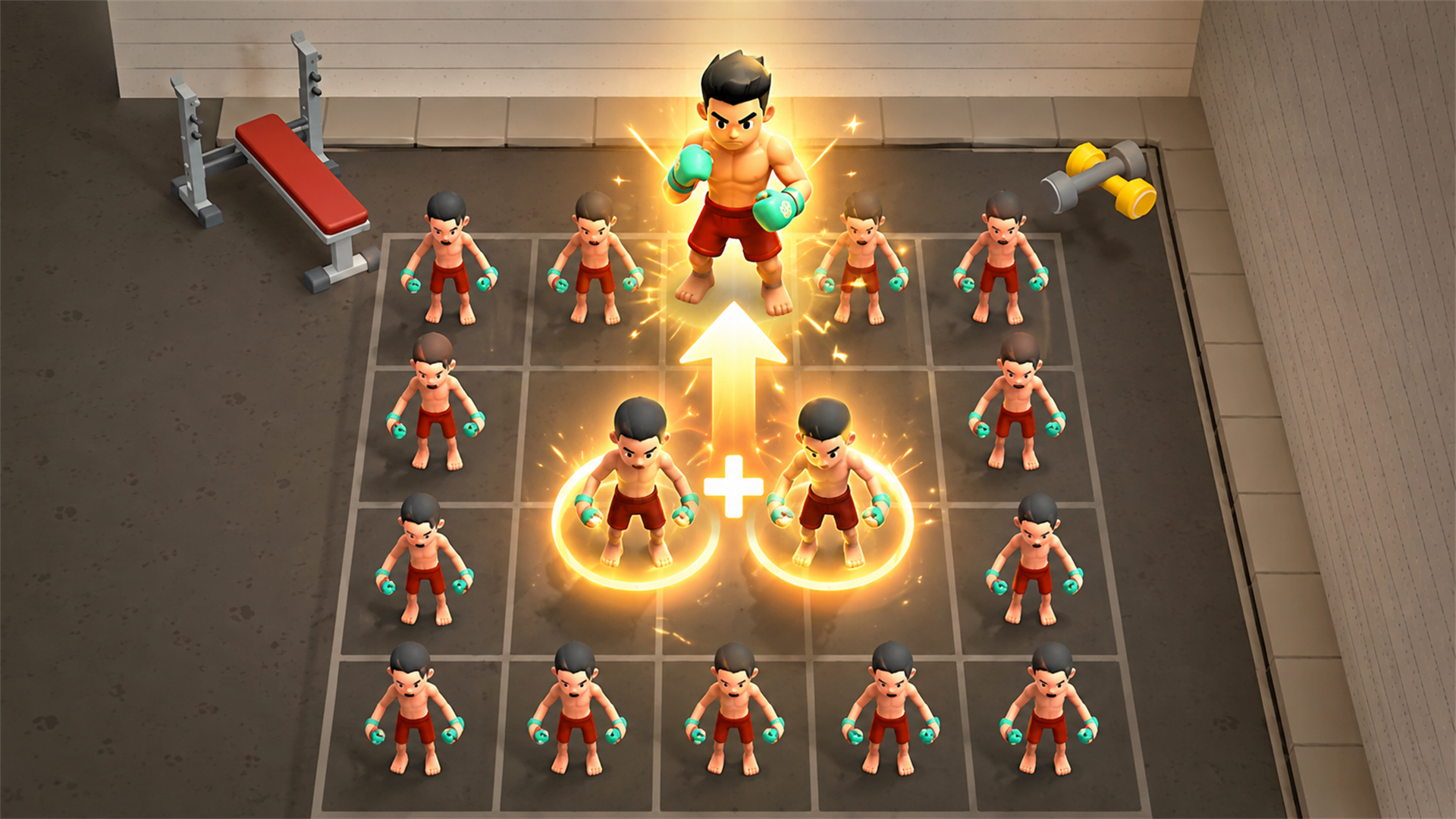
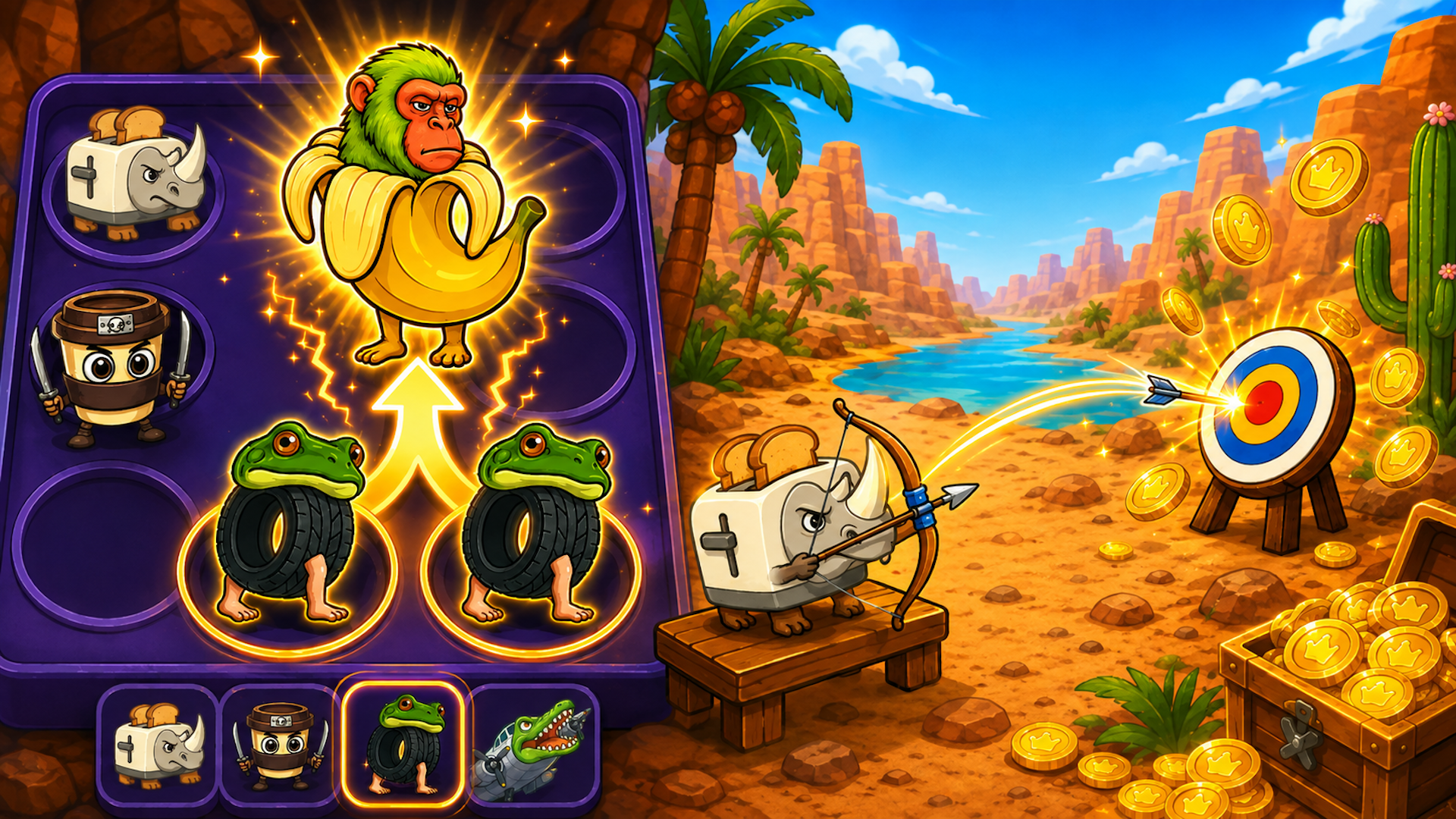
- Chain Reaction Optimization: Plan your drops two steps ahead. Dropping an intermediate icon between matching pairs can trigger simultaneous multi-merges that drastically lower your overall container height.
- Wall Friction Exploitation: Use the extreme left and right walls to stabilize rolling items. Letting a volatile meme rest against a boundary prevents it from rolling back into the center and disrupting your layout.
Controls & Input Guide
Brainrot Merge: Drop Puzzle features hyper-responsive input handling tailored for seamless execution. Use the Left Mouse Click to tap, select, and drop items into the grid. Click and drag horizontally across the playfield to fine-tune your drop coordinates before release. On mobile devices, precise touch dragging ensures zero input latency during high-speed combos.
Frequently Asked Questions
How are high scores calculated in Brainrot Merge?
Scores scale exponentially based on the tier of the meme created during a merge, rewarding massive chain reactions and high-level evolutions over simple volume clearing.
What triggers an immediate game over?
The run ends instantly if any dropped or bounced icon crosses the danger line at the top of the container and remains stable there for more than a brief grace period.
Can you play Brainrot Merge: Drop Puzzle unblocked on mobile and Chromebook?
Yes! Brainrot Merge: Drop Puzzle runs directly in any modern web browser via lightweight WebGL/HTML5, offering smooth 60 FPS gameplay on school Chromebooks, desktop PCs, iPads, and mobile phones with zero downloads or plugin requirements.