Advanced Tips & Pro Strategies
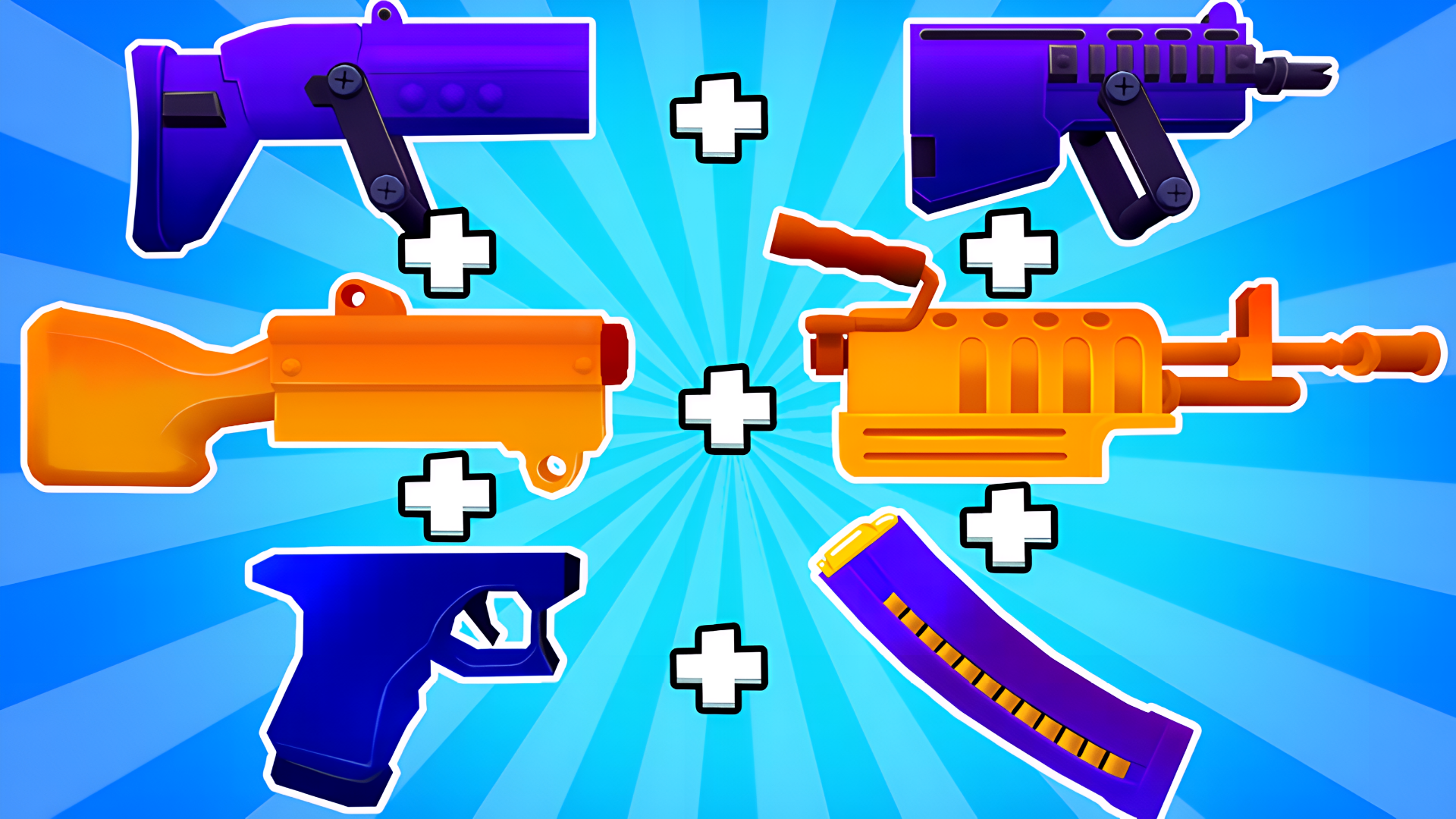
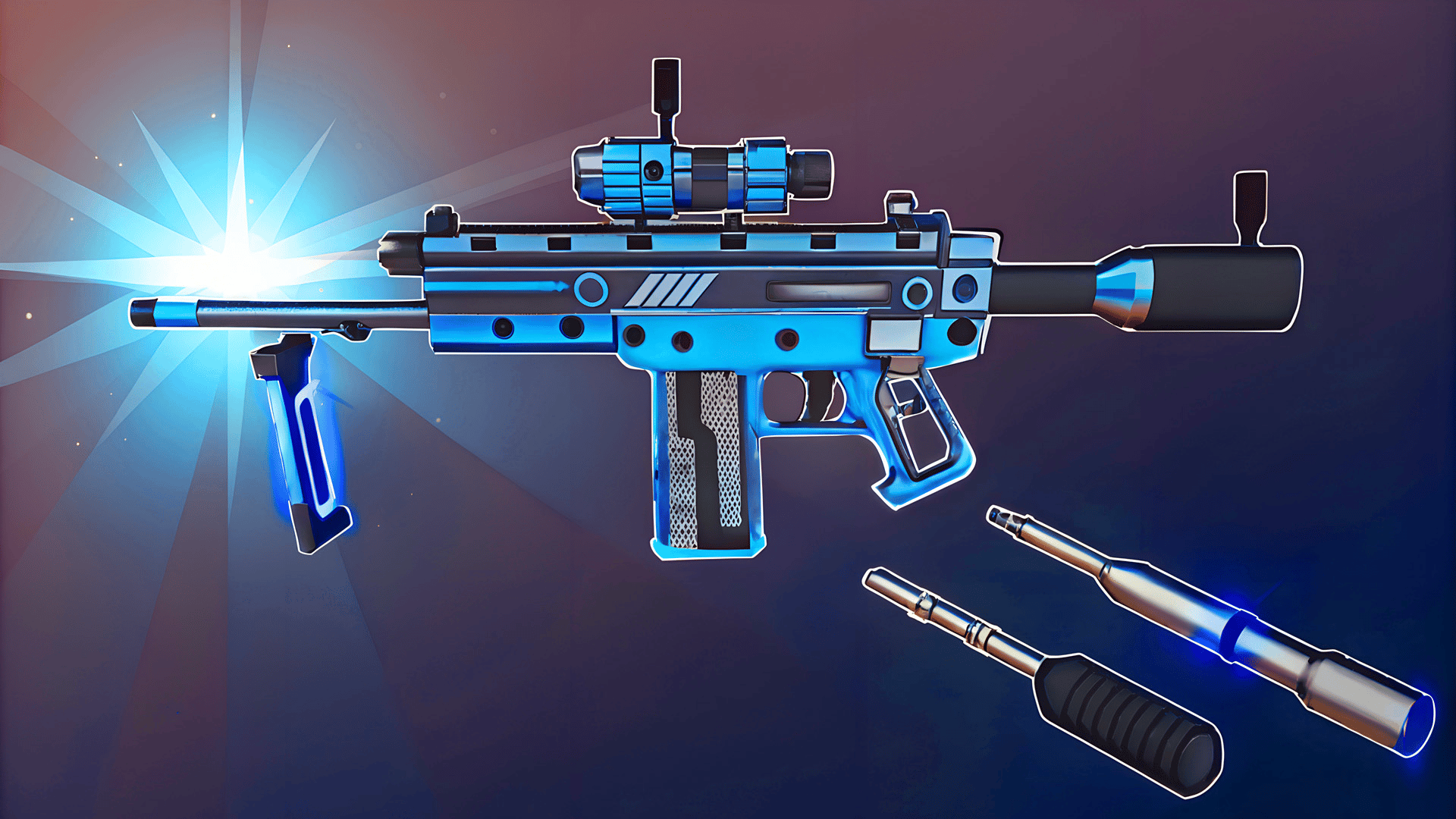
- Prioritize High-Tier Merges Over Raw Ammo Count: While hoarding multiple baseline pistols feels safe, merging them into a single elite rifle yields exponentially higher DPS against dense enemy mobs and armored bosses.
- Master Frame-Perfect Lane Transitions: Anticipate incoming trap hitboxes by shifting lanes a fraction of a second early, preventing your character's wide turning radius from clipping hazards.
- Conserve Reload Timings Between Waves: Keep an eye on your magazine counter; manual reloads executed right before entering an enemy arena ensure maximum sustained fire without unexpected dry-fire vulnerability.
Controls & Input Guide
Use the WASD keys to smoothly maneuver your character across lateral lanes and dodge incoming traps. Press the Spacebar to execute timed jumps over low barriers. Click the Left Mouse Button to aim and fire your assembled weapon system, and tap R to quickly reload your magazine during combat lulls.
Frequently Asked Questions
How does the weapon merging mechanic function during active runs?
As you collect matching gun parts along the track, the game automatically synthesizes them into superior variants, instantly boosting your muzzle velocity, damage scaling, and overall projectile spread.
Are there boss encounters at the end of every level?
Yes, finishing a running track leads directly into a high-intensity showdown against waves of elite stickmen and heavy targets requiring maximized weapon upgrades to defeat.
Can you play Blocks Shooter 3D! Run, Shoot, Merge Weapons! unblocked on mobile and Chromebook?
Yes! Blocks Shooter 3D! Run, Shoot, Merge Weapons! runs directly in any modern web browser via lightweight WebGL/HTML5, offering smooth 60 FPS gameplay on school Chromebooks, desktop PCs, iPads, and mobile phones with zero downloads or plugin requirements.