
Recently Played Games
Quickly jump back into your game history. Continue playing your favorite games instantly.



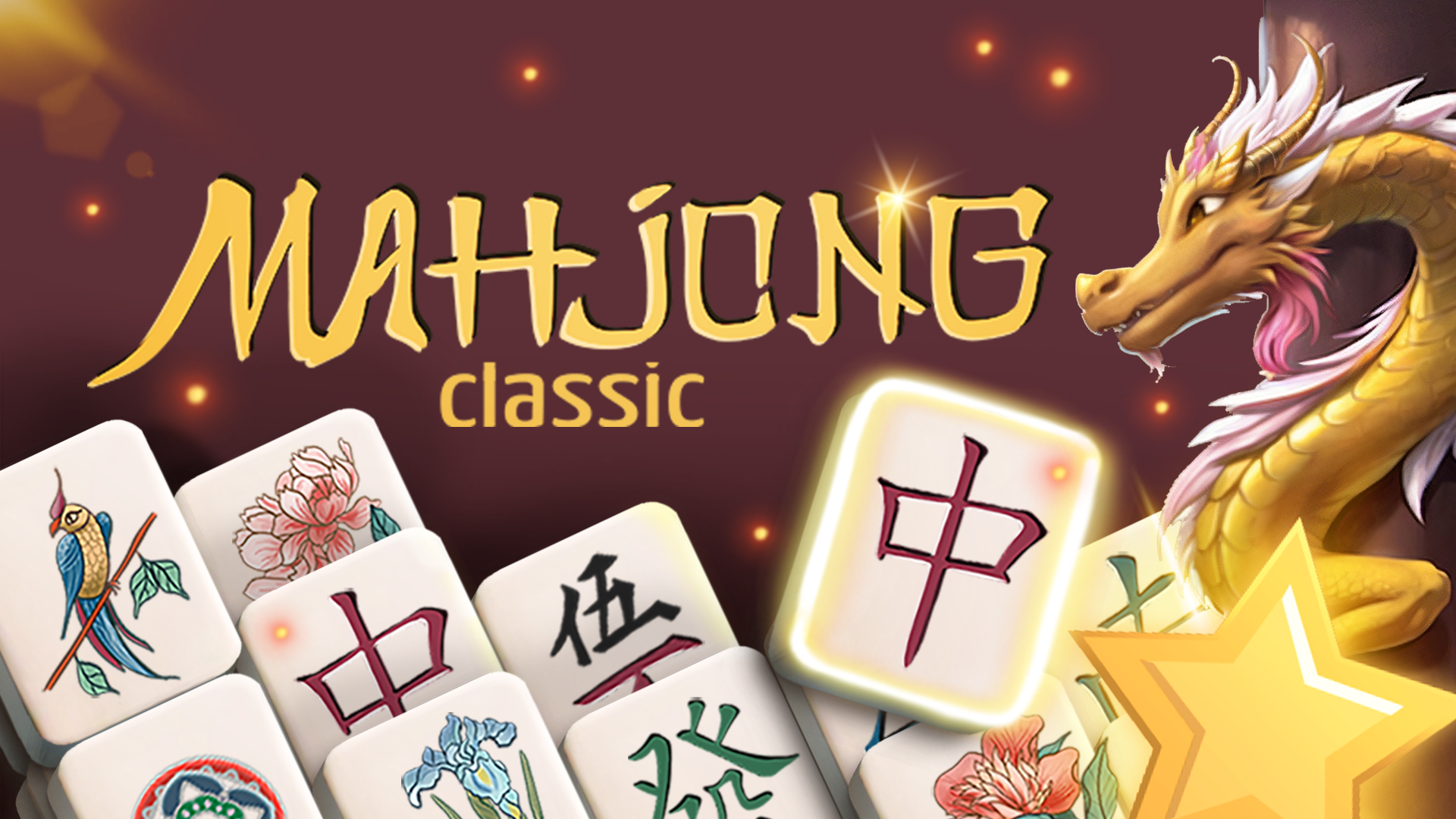


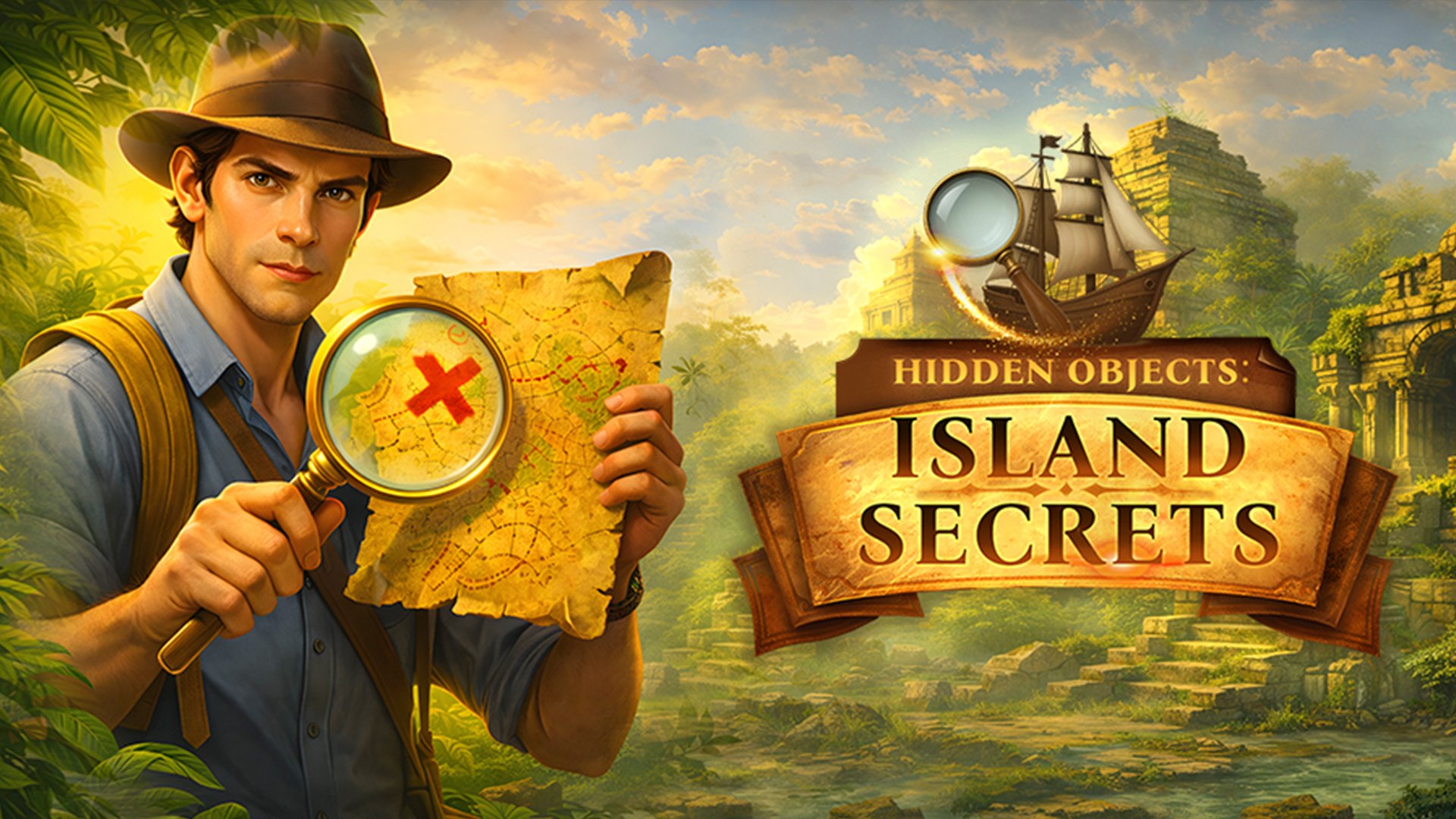



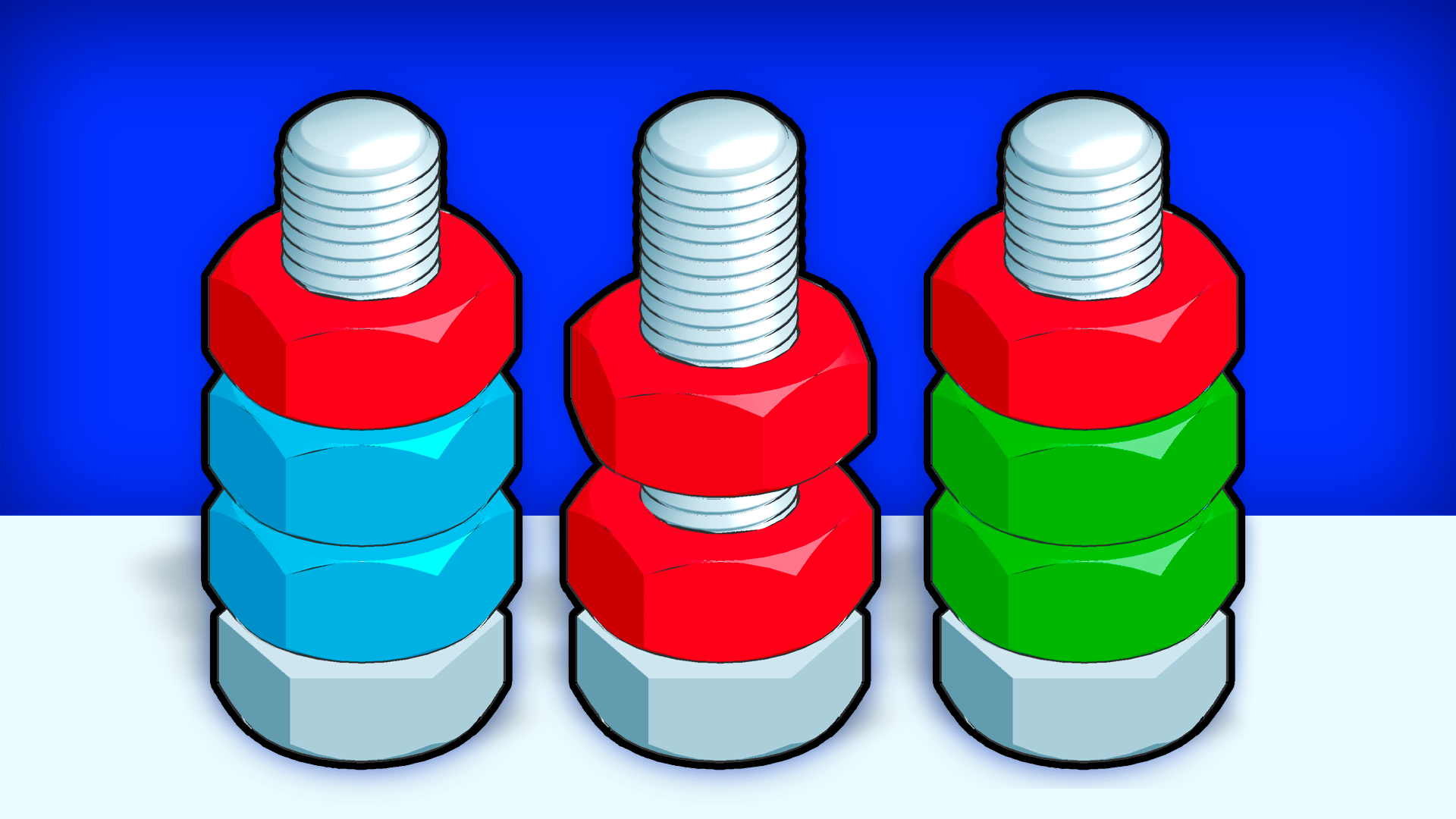





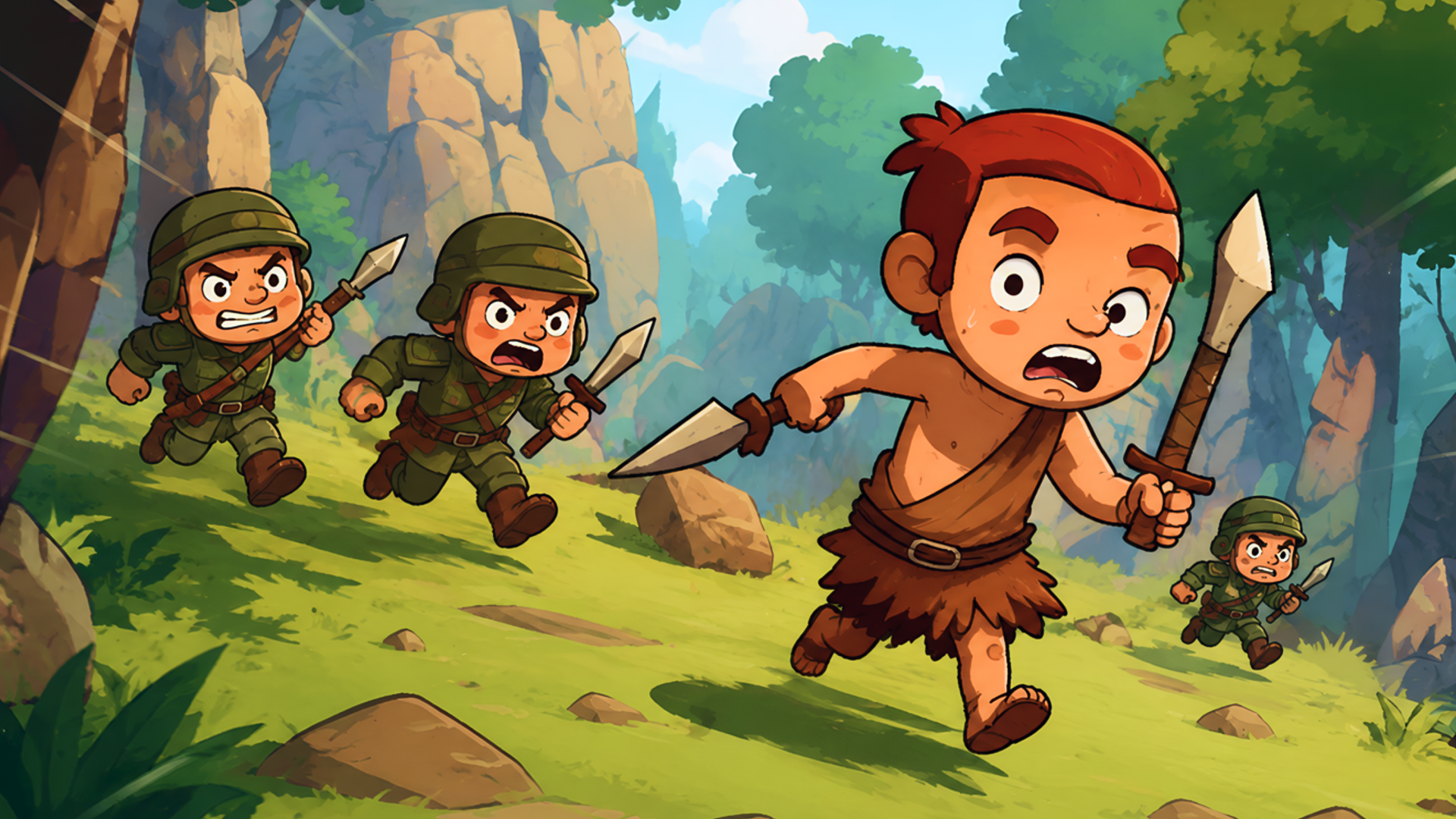









Instant Session Resumes & Cloud Progress Tracking
Never lose your place again. The Recently Played library on Lopi Games automatically records your browser sessions, high scores, and active titles so you can pick up exactly where you left off across every device.
Whether you were mastering impossible jumps in a physics racer, defending your kingdom in an idle clicker, or solving multi-stage logic puzzles, your personal gaming timeline is ready with one-click instant play and zero downloads.
Session Persistence & Cloud Progress Tips
Instant Local Storage Caching
Your recent game list and unlocked milestones are saved in your browser’s persistent sandbox so you can return anytime even after closing the tab.
Cloud Gamer Profile Sync
Log in with your Lopi Games account to sync your favorite games, high scores, and cloud saves seamlessly between desktop, tablet, and mobile devices.
Zero Install Resume
All games reload instantly in high-performance WebGL without having to sit through lengthy reinstallation or patch downloads.
Editor's Choice: Essential Recently Played Games Hits on Lopi Games
Frequently Asked Questions
Lopi Games securely saves your gameplay history in local browser storage and your authenticated Lopi profile. No tracking cookies or intrusive data collection is used.
If you play as a guest, clearing your browser data may reset local records. To keep your game history and saves forever, sign in for free with your Lopi Games gamer profile.
Yes. Simply log in to your Lopi Games account on your phone, tablet, Chromebook, or PC to access your synchronized library everywhere.